Tag: App

  • Kidloland Offers Entertaining App to Engage and Teach Kids

    Kidloland Offers Entertaining App to Engage and Teach Kids

    I received the Kidloland App download at no charge. All opinions are 100% my own thoughts.

    I’m going to get real here. The last few months I have not been the kind of Mom I really want to be. Working and going to school, and going through a pregnancy that has been more physically draining than my previous four has left me well .. drained. 
    kidloland

    My friend told me about YouTube Kids, and how she lets her girls watch shows on there without worrying about the content they’re receiving. So I downloaded and loved it! At least, I did until I found I was using it to entertain for far too long, with not as much education value going on. Something needed to change. 

    Then Kidloland appeared. OK, I was skeptic, mostly of myself. Would another app make me feel any less guilty for the lack of time I am spending with my only child during the day? Probably not. It would at least be more educational directed during the busiest part of my day, and times where I truly don’t feel good. 
    kidloland2

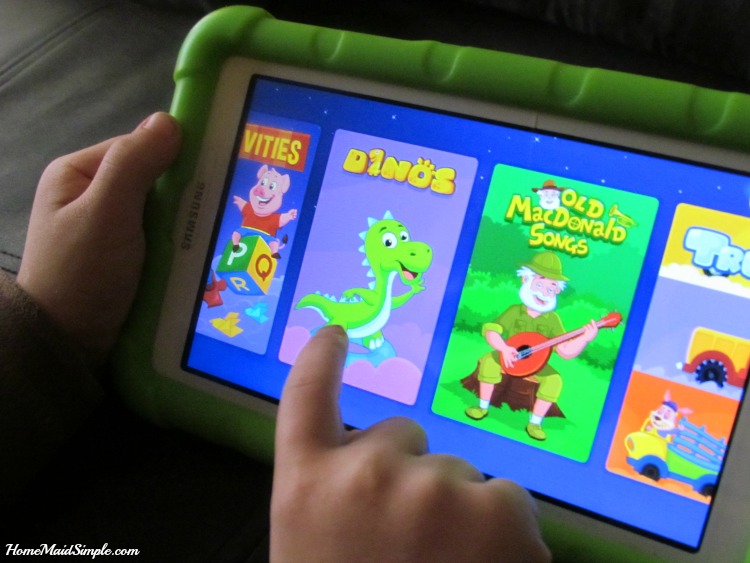
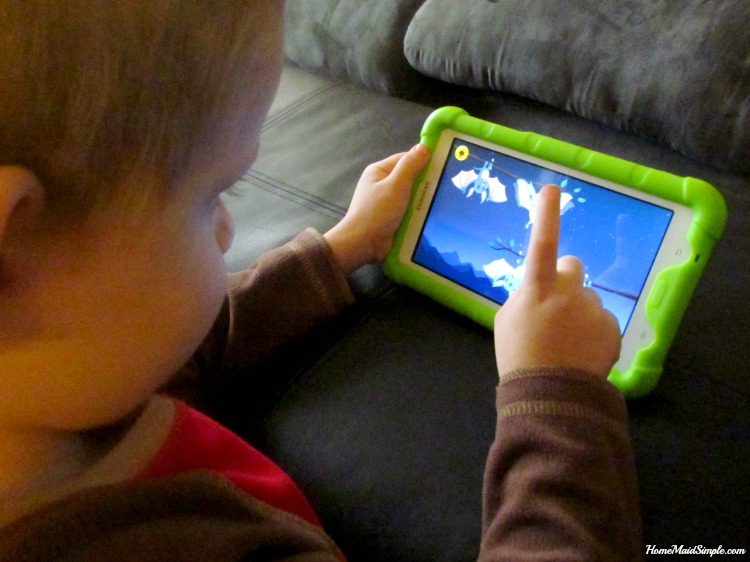
    Kidloland has seriously so much going on in it, that after a month I don’t think we’ve even touched half of the fun inside the app. With over 1000 Nursery Rhymes, Songs, Stories, Activities and Games every day offers something new to discover. The nursery rhymes are my favorites while Lincoln likes to hang out with the Dinosaurs and Trucks listening to songs and games featuring his interests.
    kidloland3

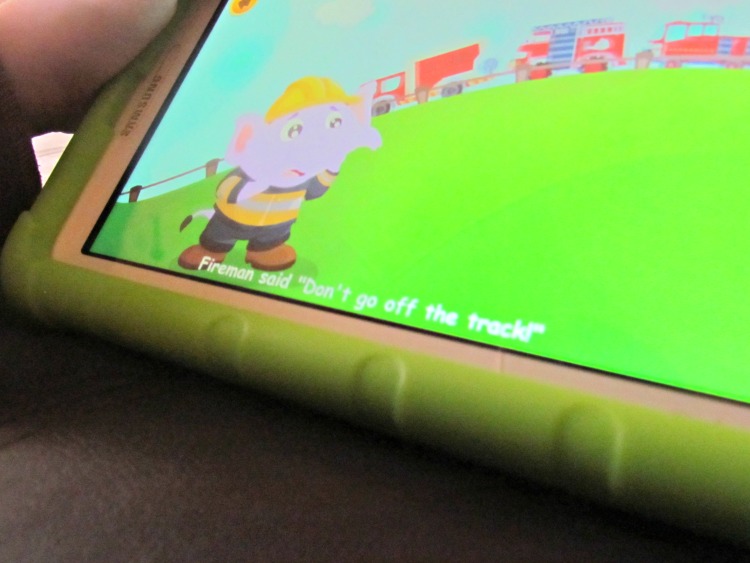
    While Lincoln hasn’t learned to read yet, he is learning the alphabet and has started associating that letters, put together, make words. Words that he likes to pretend he knows. The running words on the bottom of the screen during each song helps enhance his learning, even if he doesn’t realize it. Along with that, he can actually interact with the app. Touching different items during the songs cause them to do fun things or change colors. 
     

  • Cheeseburgers with Kraft and Blippar #SayCheeseburger #shop

    Cheeseburgers with Kraft and Blippar #SayCheeseburger #shop

    I am a member of the Collective Bias®  Social Fabric® Community.  This shop has been compensated as part of a social shopper amplification for #CollectiveBias and its advertiser. #SayCheeseburger
    Have you ever been wandering around Walmart, knowing you need groceries to fill your semi empty fridge, and knowing you should probably have a plan for dinner…but it was a crazy weekend, so you never actually did your meal planning?
    Yeah me too. Frequently it seems these days.
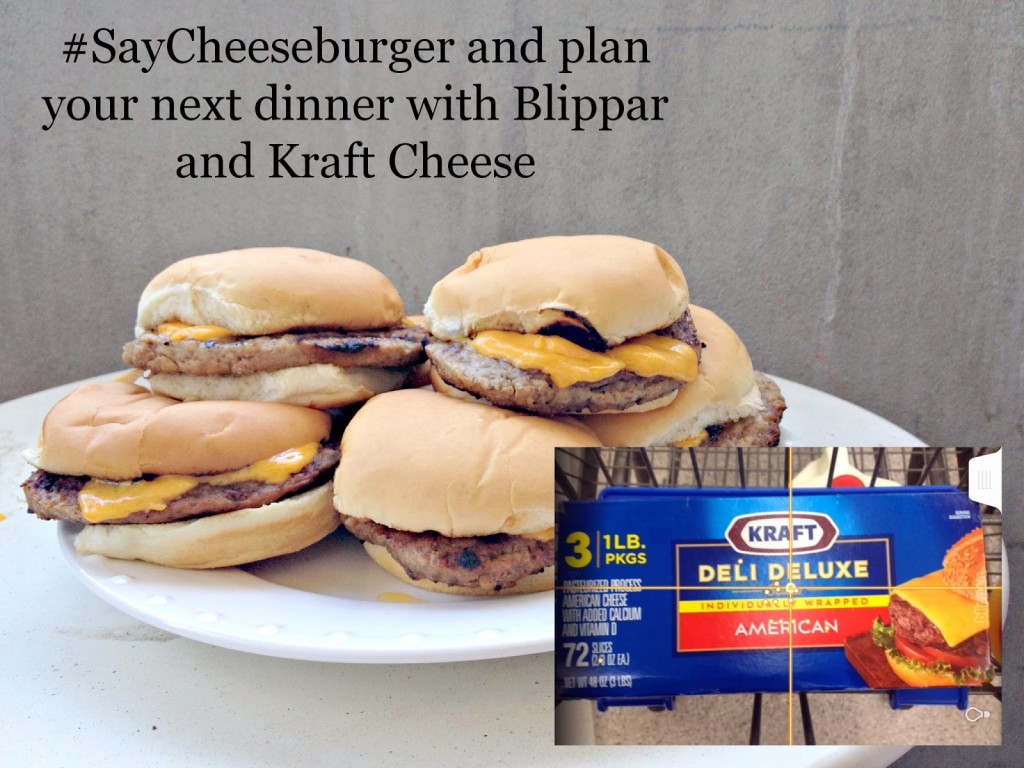
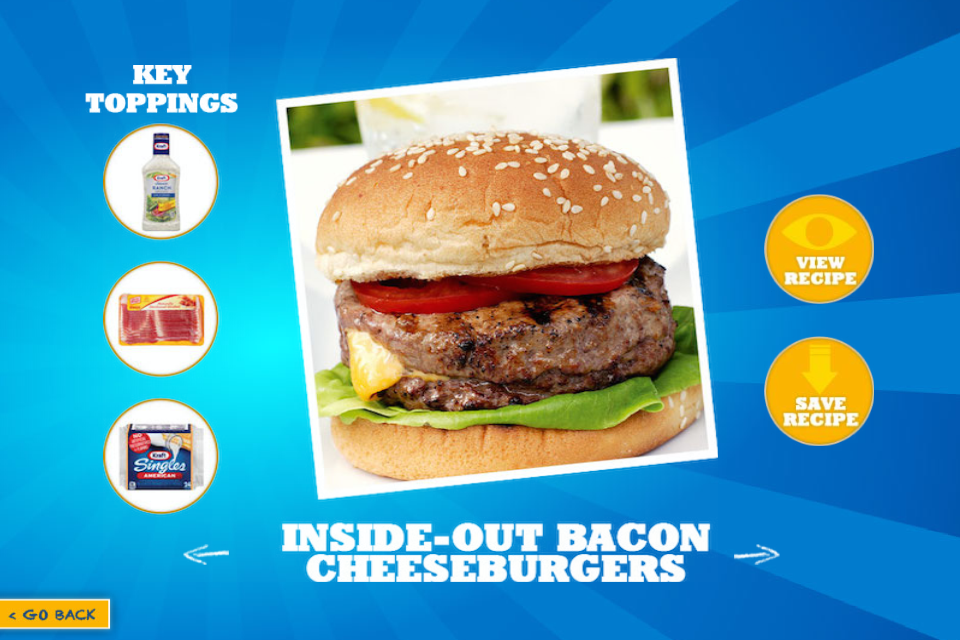
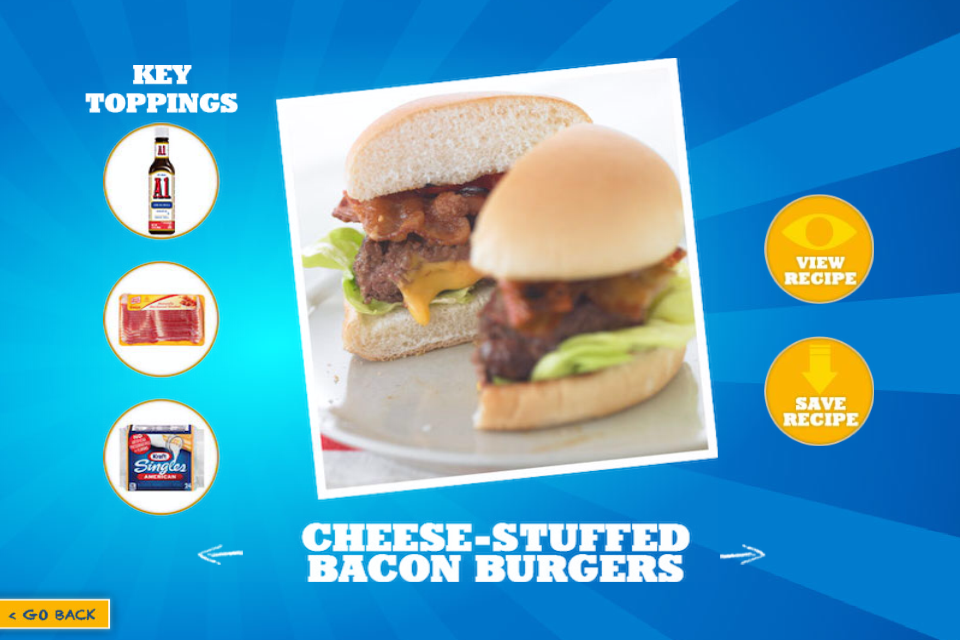
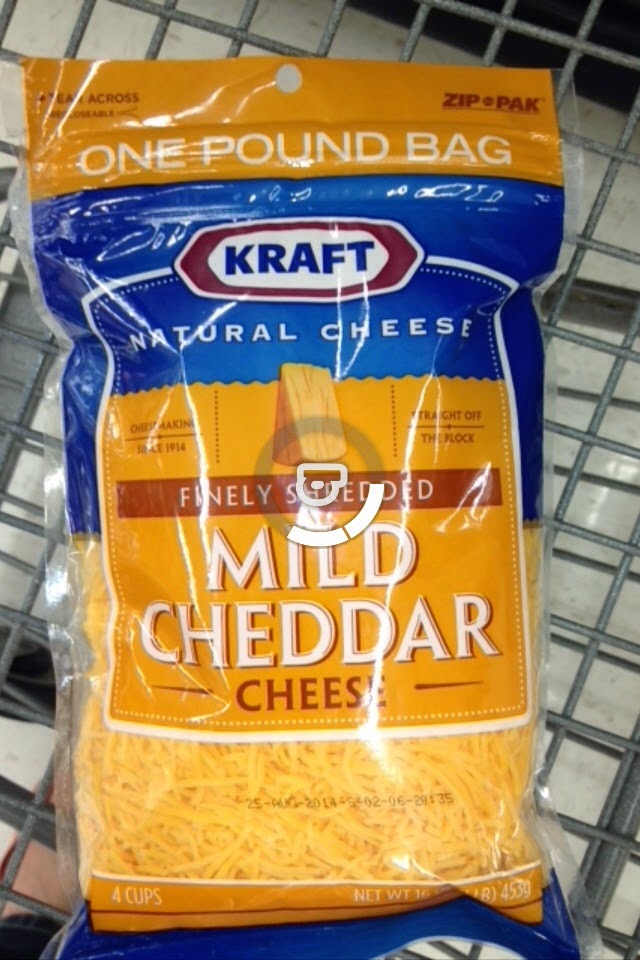
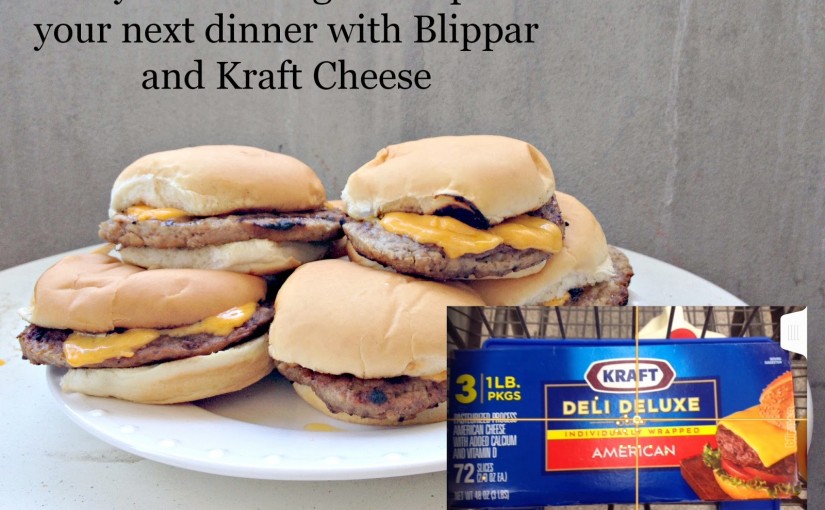
    Then I heard about the Blippar and Kraft Cheeseburger App. Problem solved! I just need to grab some Kraft Cheese, scan it using Blippar, and then view the many different recipes for Great American Bacon Cheeseburgers. A quick view at the key ingredients, and I could pick up everything I needed while still at the store, and then head home for a quick but delicious meal of cheeseburgers!
    Easy Peasy! Just Blip it and Grill it!

    Don’t those look amazing? I loved that I can get everything I need, from a simple scan with my phone over a package of cheese. Sounds too simple doesn’t it? Let me walk you through it. I’ll be honest, it did take me a little bit to figure out the app, but that’s possibly because I’m still learning how to use my smartphone.
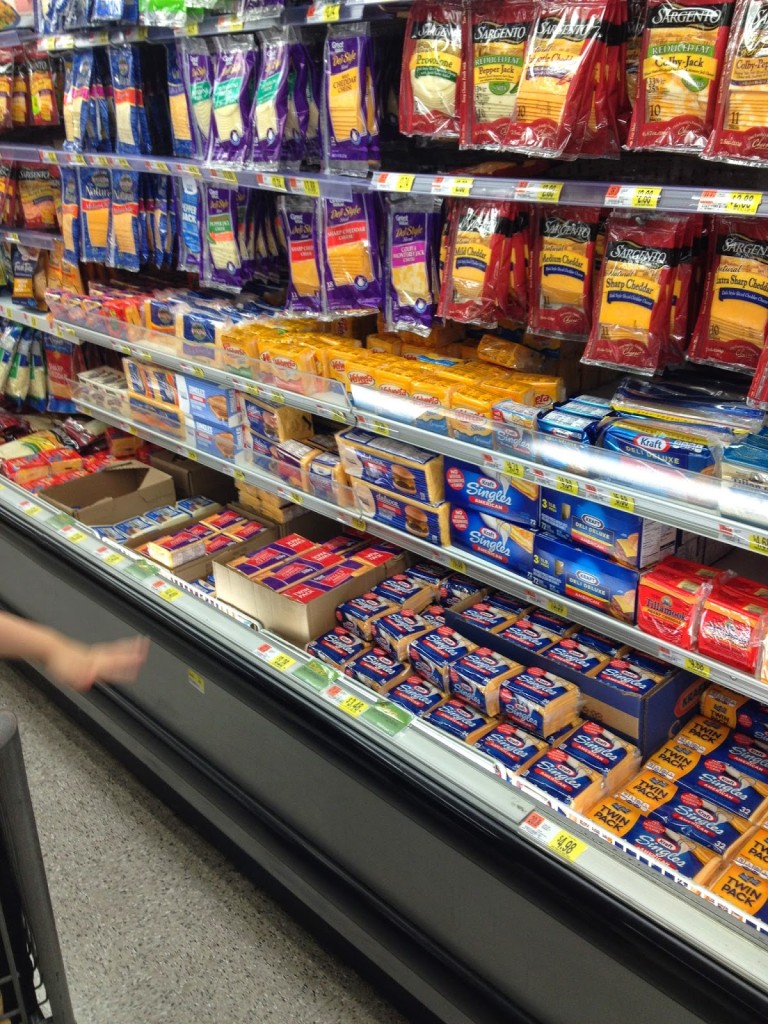
    So first you’ll want to download the Blippar app. It is a free download, and works with apple, android, blackberry or windows device. Once you’ve got the app, head out to Walmart and search for Kraft Cheese products.

    Now that you’ve found the cheese, pull out the Blippar app, and give it a scan. HINT: Make sure there are no big glares from the lights, it will recognize the cheese a bit faster.

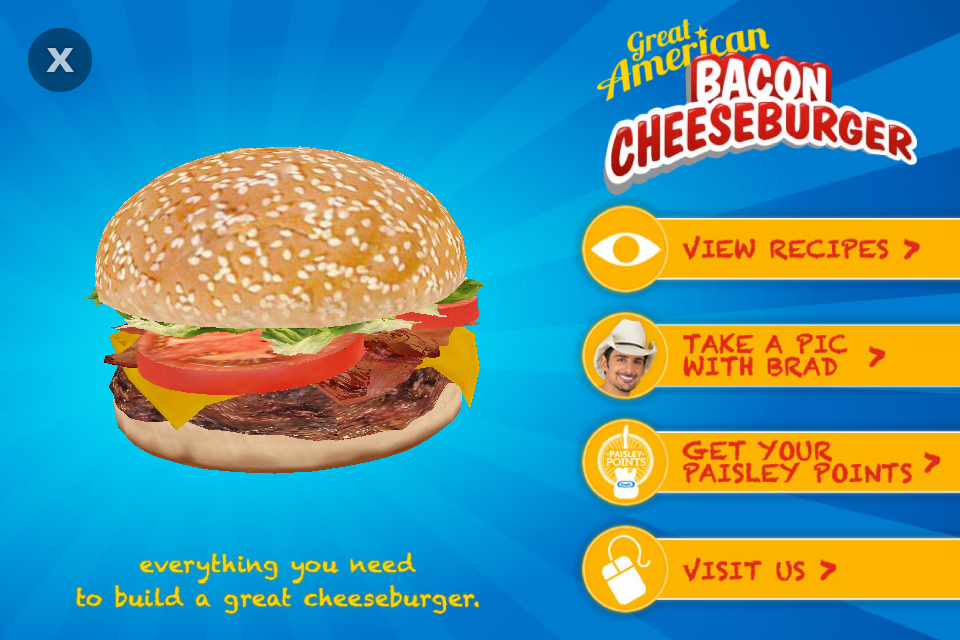
    Once it recognizes the cheese, the Kraft Cheeseburger App will load. Recipes ideas, a place to take a picture with Brad Paisley, and an area to claim some Paisley Points will pull up. Choose what you want to do, and use the arrows on each page to navigate between menus.  
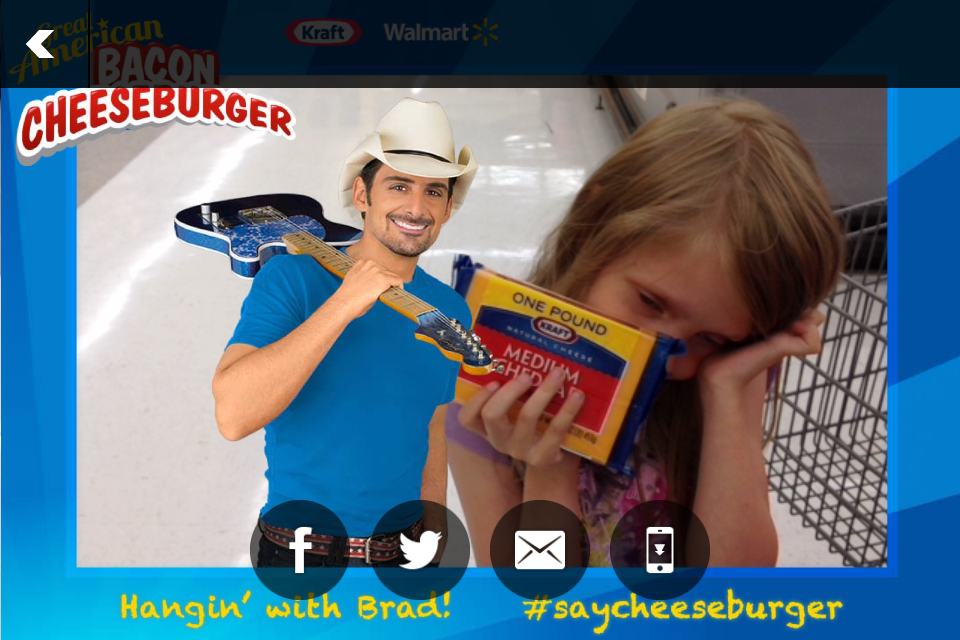
    You did always want to take a picture with Brad right? I had Princess V hold some cheese while I took a picture, but didn’t tell her that Brad would be with her. Her response when I showed her the picture –
    “MOM! Who’s that? They weren’t there! How did they get in the picture?”
    The app makes it really easy to share you picture with Brad for all your friends to see as well. Come on, you know you want to! Don’t forget to claim your Paisley Points after purchasing the Kraft Cheese. You can win tickets to a Brad Paisley concert, signed merchandise, and more just by uploading your receipts to the app.
    What kind of Cheeseburger will you Blip this summer?
  • So much Frozen!

    So much Frozen!

    *I received a free download of the app. All opinions are my own.*
    Did you pick up your copy of Frozen yesterday?  We got ours!  If you haven’t been able to tell yet, we’re a little Frozen crazy around here. 
    For Princess C’s birthday I even sewed her Anna’s cape, double layers and all!  I still need to finish it, but she’s pretty much in love. They’re now asking me to make an Olaf costume – that should be fairly simple right?
    I know we’re not the only ones in love with the Snow Queen and her quirky sister.  It’s about all I saw yesterday as everyone picked up a copy from the store or semi patiently waited for the mail.  I was pretty excited when Frozen won 2 Oscars – Original Song and Animated Feature Film. 
    I’m sure you’ve all seen the many covers for Let It Go, the song that won the Oscar’s. My kids favorite is a fairly newer one with a guy singing it in a myriad of disney voices. My personal favorite is this one from The Piano Guys
    Wasn’t that beautiful?  Yeah I thought so too.  
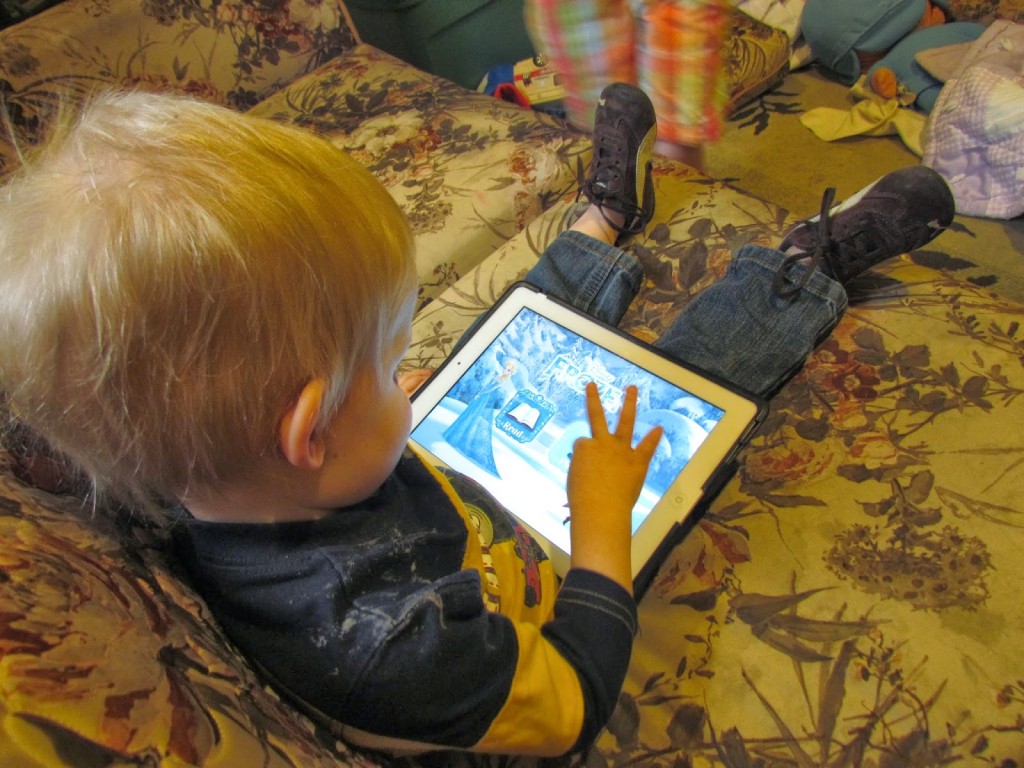
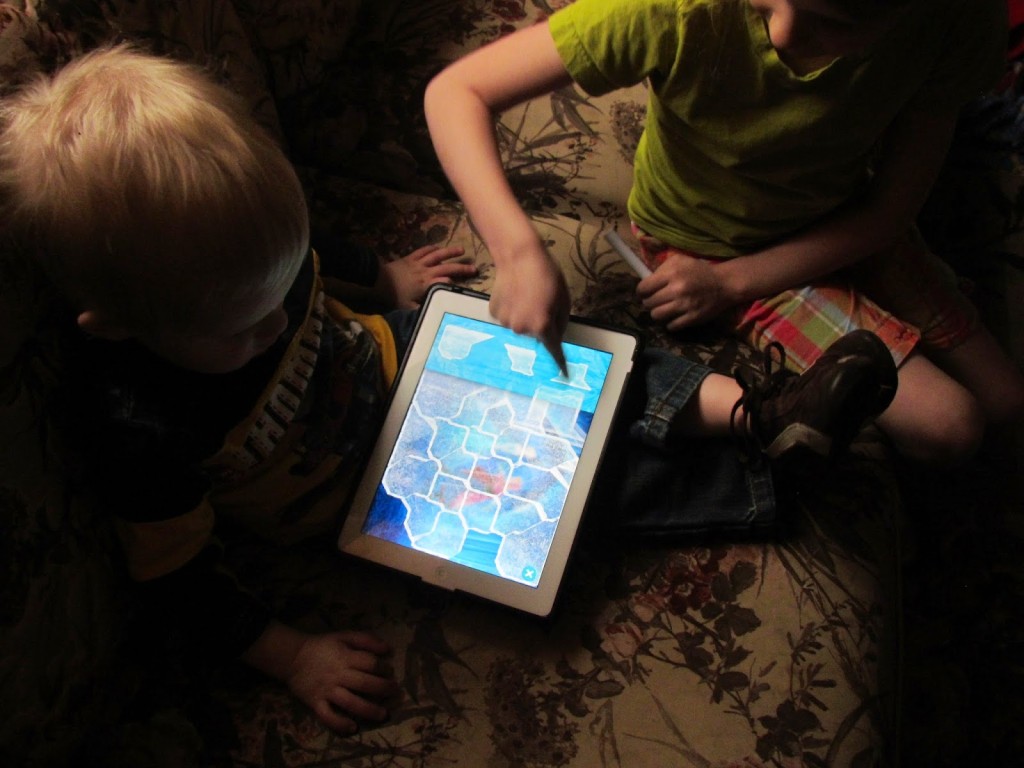
    While waiting for Frozen to come out on DVD, we have had a lot of fun playing the Frozen Storybook Deluxe on the ipad. The kids especially love the ice puzzles!
     Even Prince L enjoys the app
    Princess R’s birthday is coming  up, aso I’m pretty sure she’ll be getting some Frozen products. I think she’d really enjoy one of the many storybooks
    Are you celebrating with Frozen this week?
  • Kids Academy: Educational Apps for Kids

    Kids Academy: Educational Apps for Kids

    *This is a sponsored post on behalf of Kids Academy and Sverve*

    I was doing some relaxing the other day, when I came across the Iphone App 123 Tracing  from Kids Academy. Since I’ve been working on numbers with Princess R at home, I decided to give the free download a try.

    App Developers Continue to Help Teach Children Important Skills
    Kid’s Academy, one of the most successful developers of apps for kids has released what might be their biggest app yet. 123 Tracing is an excellent educational app designed for younger students. This cute game helps kids trace numbers and get in the habit of writing and forming these letters that they will use the rest of their lives.
    The free version of the 123 Tracing app is live and available to download via iTunes, Google Play and Amazon.
    Kid’s Academy is all about helping children learn verbal, writing and math skills in an easy and fun manner. Apps such as 123 Tracing and Bingo ABC have been top-50 educational apps in the App Store, and Kid’s Academy has also brought the well-known stories and nursery rhymes The Three Little Pigs and Five Little Monkeys to life with interactive apps. The simple interfaces of the apps allow children to take the reins and play on their own, but the sing-a-longs and other activities are perfect for parent or teacher engagement, as well. Research has shown that singing along with nursery rhymes has cognitive and physical benefits for children. Not only are children learning new words and the context in which to use them, but strengthening tongue and mouth muscles at an early age will help with pronunciation skills.
    About the Kid’s Academy Company
    Kids Academy is an early childhood education start-up specialized in development apps for major mobile markets: App Store, Google Play and Amazon. The rapidly growing company is bringing value through education for children aged 2 to 6 teaching kids numbers, upper- and lower- case letters, word-letter associations, phonics, and spelling, and brings them endless fun and excitement through play activities.  Founded in the end of 2011 with the first application released in July 2012, Kids Academy has six nice apps and recently reached 2 million downloads. The apps developed by Kids Academy received dozens of positive reviews and were top rated by Children’s Technology and Parent Reviews. Interactive ABC by Kids Academy was featured by The Guardian in mobile tech review.
    For more information visit
    Website    Facebook    Twitter 

    As you can tell, Princess R is pretty enthralled with this one, and I may have lost access to my phone for a bit today while she traced her numbers. 

  • Reading with Scholastic

    Reading with Scholastic

    I just realized I missed the school book fair! I always loved the book fairs in elementary school. We’d go with my mom, and she usually let us pick out a book or two. Of course once we had our own money, we’d buy our own books.
    I went through a Roald Dahl phase and would buy any of his books!  I just loved his sense of humor.

    Not that I need any more books, but they are one of my favorite educational tools. Holding a book between your hands, reading, getting lost in the story. That means learning to read as well. It’s something I want my kids to enjoy, without feeling like it’s a task.

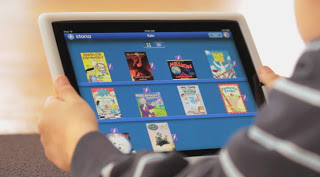
    I’m really excited about Scholastics new Ipad App – Storia. You can download books from scholastic, and they sit on your “shelf” on the app. The kids can pick their book, and it will even read the story to them. Which at my kids age is perfect. There have been a lot of books Mark has downloaded onto the Ipad, and reads to the kids at bedtime. Some of them read for you, but here’s the difference I’ve seen.

    On Storia, the words being read are highlighted, so your child can actually follow along, and learn the words as well as enjoy the story. Of course you can also turn off the automated reading, and read it yourself – another great option.

    Our favorite book so far has been Clifford. It’s a character the kids are familiar with, so it holds their attention. Another great aspect of Storia are the activities. On some of the pages a little lightening bold will appear. You touch the lightening bolt, and activities will pop up.  It’s not just fun and games though, it’s things like “put the story events in order from first, next, last” and “match the characters with their names”.  So it promotes paying attention to the story and what is happening.  They’ve got something for every level of reader too.

    The App is FREE to download (even better, right?) and comes with 5 Free Books! You can download more books from scholastics website.  Here is the big kicker though, right now when you buy certain Kellogs boxes of cereal, you can get codes for $5 giftcards to Scholastic!  We haven’t redeemed any yet, but I’ve got quite a few (Fruit Loops and Krave were on sale…we stocked up). Mark and I have been reading The Hunger Games together, and we need the last book. Guess what? Yep, Storia has it for download! I might just use our coupons for that. 

    I’m not a big electronic fan (hahaha, says the blogger), but I do love this app. I find myself wishing Mark could leave the Ipad home somedays so we can read the books on Storia.

  • Lets Cook App Review and Bertolli Olive Oil Giveaway

    Lets Cook App Review and Bertolli Olive Oil Giveaway

    Have you ever turned on the cooking channel and wished you didn’t have to go search the internet for a recipe, or sat there trying to write every ingredient down?  Yeah me too! All new from Fabio Viviani Top Chef All Stars and Season 5 Fan Favorite, is the Let’s Cook App for Ipad, Iphone, and even Itouch!! I was really excited to try out this app. I love cooking, and I love Top Chef. Fabio is definitely a favorite here.
    The Let’s Cook App features
     – More than 5 hours of video right at your finger tips (no streaming required)
     – 16 step-by-step video recipes in full HD
     – 100+ recipes hand-selected by Chef Fabio
     – A dozen of Chef Fabio’s cooking and entertaining tip and menu suggestions

    Here’s a little teaser for you!

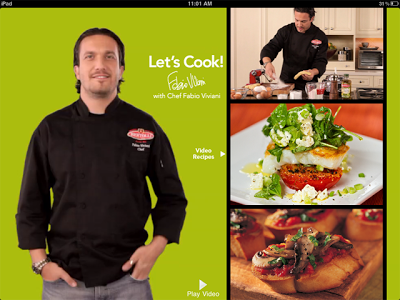
    After first downloading Let’s Cook I started browsing the recipes.  Oh my goodness there were so many good looking ones!!! It’s been a lot of fun to watch Fabio cook and read some of the tips.  I learned that cutting cherry tomatoes, is actually pretty easy!  Here’s what the app looks like. On the right is a scroll bar where you’ll find the video recipes, more recipes, and tips. On the left is Fabio. He gives you a little introduction, welcoming you to the App. Let’s Cook is a very friendly, easy to use app!
    So for dinner one night last week we had some Fresh Fettuccine with Crispy Pancetta, Mushrooms, and Cherry Tomatoes. It was divine.  My kids ate it up like it was the best stuff ever, and Mark asked if there was more. We had no leftovers, a very odd occurrence in  our household. 
    Don’t worry I’m not going to just leave you with the picture, and my review. Why don’t you try it for yourself? Here’s the recipe!

    FRESH FETTUCCINE WITH CRISPY PANCETTA, SAUTÉED MUSHROOM AND CHERRY TOMATO
    by Chef Fabio Viviani
    Serves 2, double ingredients for 4 servings
    Prep Time: 20 minutes
    Cook Time: 30 minutes
                             
    2 cups cherry tomatoes (20 small), halved and seeded
    2 Tbsp. Bertolli® Extra Virgin Olive Oil
    Salt and fresh ground black pepper
    2 ounces pancetta or bacon, diced
    1 Tbsp. Bertolli® Extra Light Tasting Olive Oil
    4 to 5 cloves garlic, finely chopped
    12 ounces oyster mushrooms, very thinly sliced
    1/2 cup chicken broth, divided
    8 ounces fresh fettuccine
    2 Tbsp. chopped fresh parsley
    Shaved Parmesan cheese
    Preheat oven to 475°. Drizzle tomatoes with Bertolli Extra Virgin Olive Oil. Season with salt and fresh ground black pepper to taste. Arrange in baking pan and roast 5 to 10 minutes or until wilted.
    Sauté pancetta with Bertolli Extra Light Tasting Olive Oil over medium-high heat until crisp. Season with fresh ground black pepper and very little salt. Add garlic and mushrooms and sauté until golden brown.
    Add roasted tomatoes and 1/4 cup broth to sauté pan. Reduce heat and simmer uncovered.
    Add fettuccini to boiling water over high heat, stirring occasionally until it floats, approx. 5 to 8 minutes.
    Add cooked fettuccine to sauté pan and remaining broth. Increase heat and drizzle with Bertolli Extra Virgin Olive Oil. Add parsley. Simmer 2 to 5 minutes.
    Top with shaved Parmesan and serve.
    We also tried the Bruschetta Margarita.  A simple, yet delicious Bruschetta!
    * I was provided with Let’s Cook App for Itouch to review. All opinions are my own. I was also provided with a bottle of Bertolli Olive Oil to use with the Let’s Cook App, and one to giveaway.
    Head on over to the Let’s Cook site to learn more and download your app today! Then make sure to enter the Rafflecopter form below to win you’re own bottle of Bertolli Olive Oil, the featured Olive Oil in the Let’s Cook App!

    RafflecopterSettings = {
    raffleID: ‘M2Y4ZmZjMzkyM2UyMDRjZTJhY2I3ZDBlNWZlMTRkOjQ=’
    };

    <a href=”http://rafl.es/enable-js”>You need javascript enabled to see this giveaway</a>.