Tag: photos

  • A season of Change

    A season of Change

    Happy Fall. Finding joy in simple things

    I love the fall. Absolutely my favorite season of the year. When the trees begin changing colors, and the weather gets a little cooler. I find we seem to move shortly before the fall a lot, which means along with the seasons changing, we’re usually changing up our routine, and trying to figure out our new home.

    Living here has really been wonderful so far. We live where I can see the kids elementary school, which encourages me to get out and walk them every day, instead of driving. Since we’re already out walking, the Little Prince and Princess R and I like to take our time coming home. We’ve found some pretty fun things on these adventures – things that otherwise we may have just passed by.

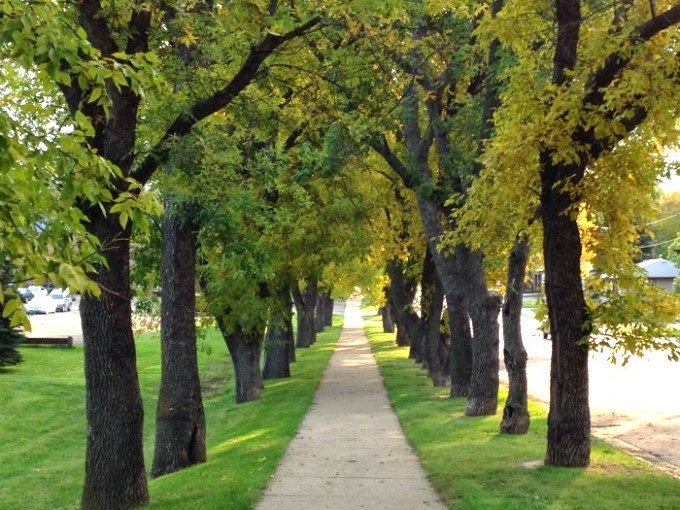
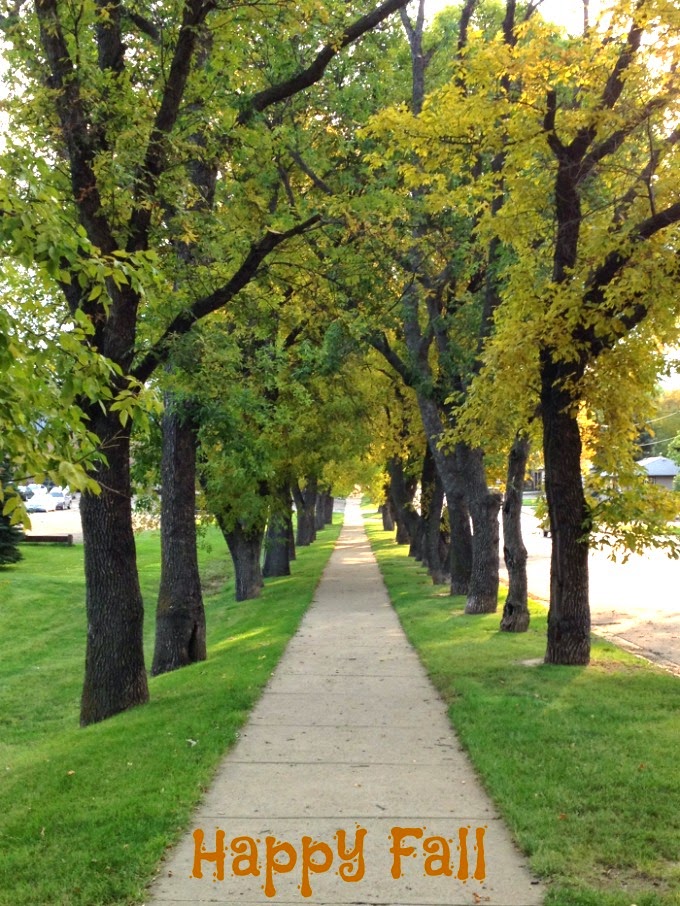
    The top picture is just down our road – but it’s not where we normally walk. We had decided to take the long way around one day, and found the trees to be turning a delightful yellow and orange. Another day, we strolled off the sidewalk and discovered an apple tree on the University Campus next to us.
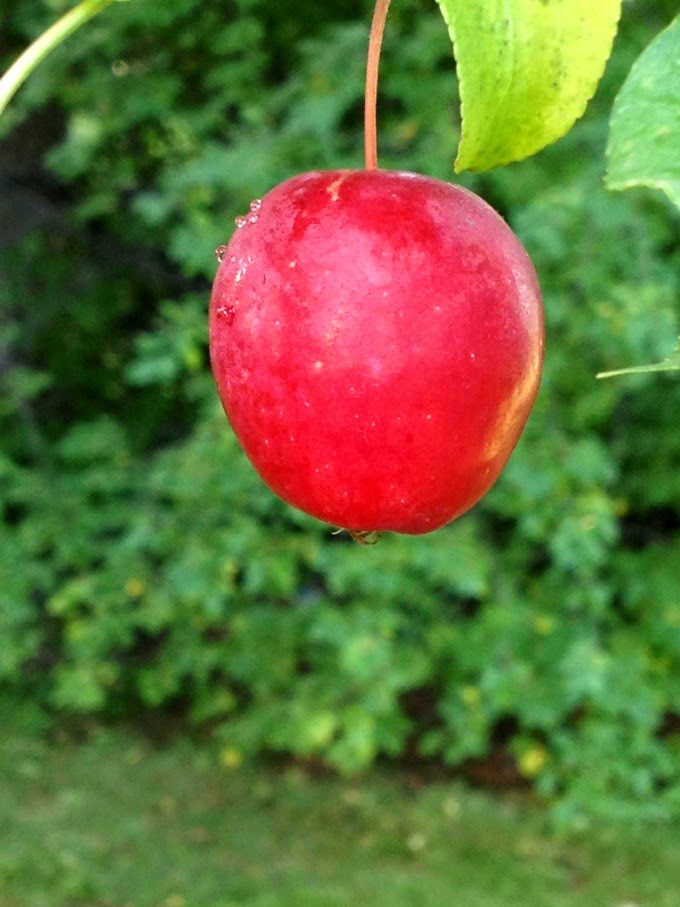
    Apple Tree. A season of change

    It is now all of the kids favorite stop on our walk home from school. We haven’t quite decided what kind of apple they are, and if they will get any bigger, but it has been a fun discovery and time out from the hustle bustle of life. It’s also provided a wonderful, sly way to get the kids eating a little healthier. Since we found the tree, they consider apples more of a “treat” than just a fruit.
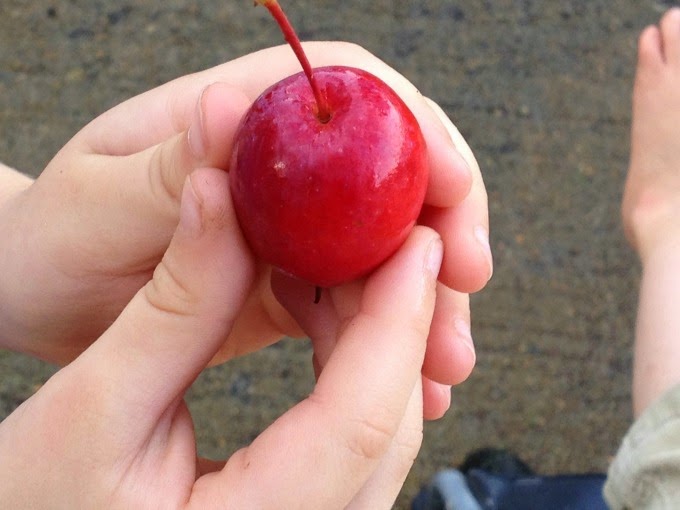
    Discovering Apples

    Finally while playing in the front yard, we came across this interesting plant. From a distance I thought for sure some animal had laid an egg and left it, but upon closer examination found it was just a mushroom.  I’ve never seen this particular type of mushroom, but ever since discovering our first one, we are finding them more and more.
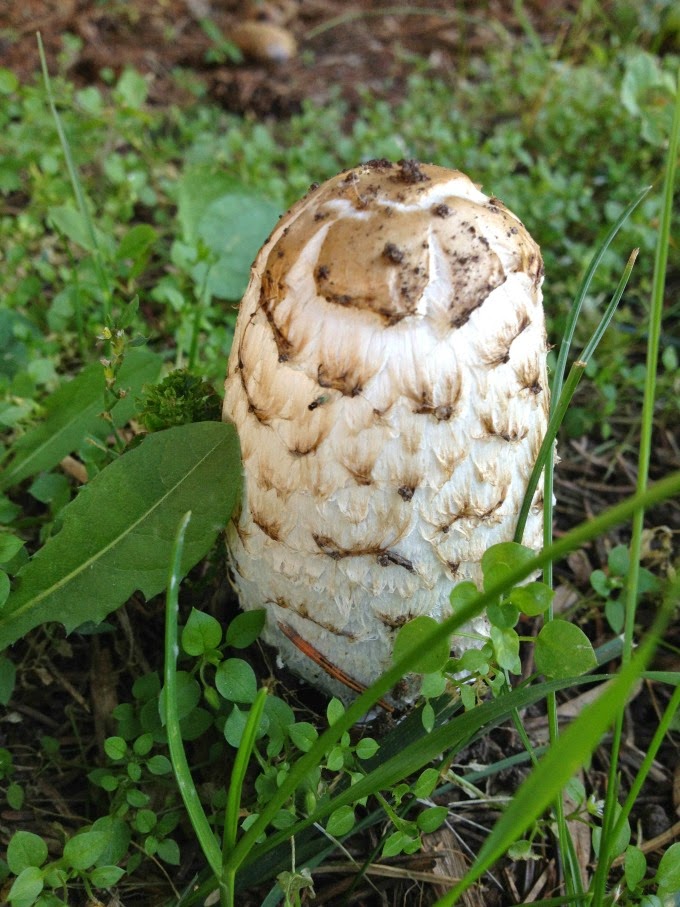
    Mushroom
    Change isn’t always easy. It wasn’t too long ago that I recall complaining a bit about a move that was unexpected, and not something I wanted to do. Since then, however I’ve learned to embrace the change. I seek out the good, and simple things around me. It makes it easier, and a whole lot more enjoyable for the whole family. 
    Perhaps this is why I love fall. It helps remind me that I like the change of seasons. Fall especially reminds me of the simple beauty that can come with change, when we focus on it. 

  • School Pictures using PicMonkey

    School Pictures using PicMonkey

    I love the tradition of taking “First Day of ___ Grade” photos with the kids. It’s something we can afford to do and keeps memories alive for years to come. Use this Picmonkey tutorial to make the best out of your photos! This post contains affiliate links and I will be compensated when you click on and purchase through them.

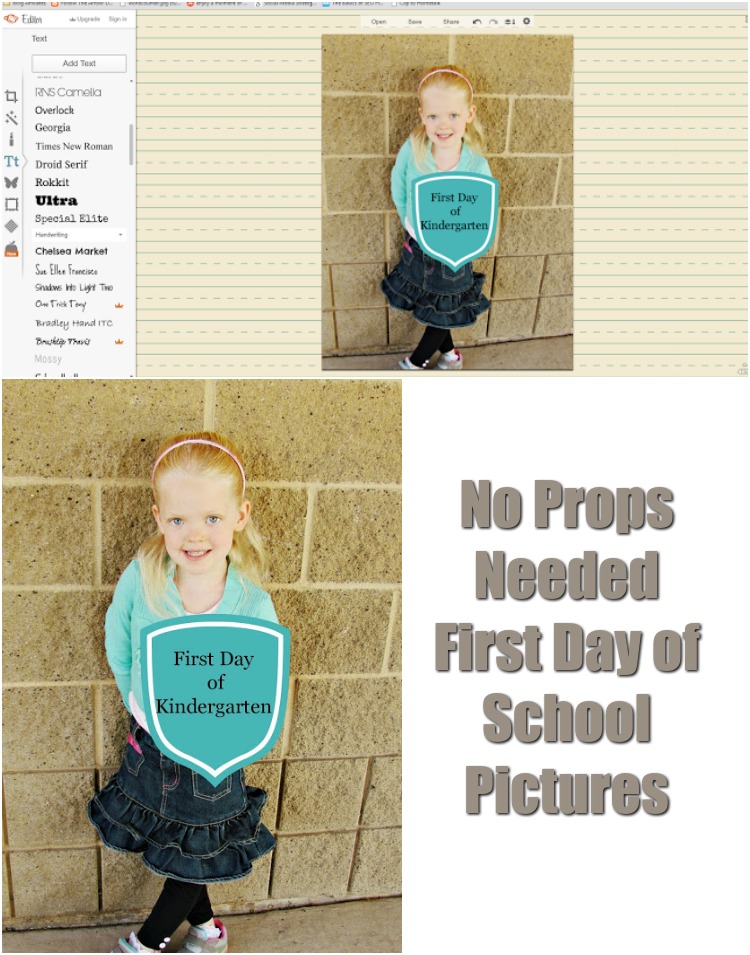
    Turn your First Day of School Pictures into a memory without props! All you need is Picmonkey. ad

    Here’s the kicker, we don’t have the money nor the space to buy full props to really make some of those amazing pictures you see. So I turned to my trusty photo editing friend, PicMonkey, to make our First Day school pictures pop just a little more while sticking to a budget. I hope you enjoy this tutorial.

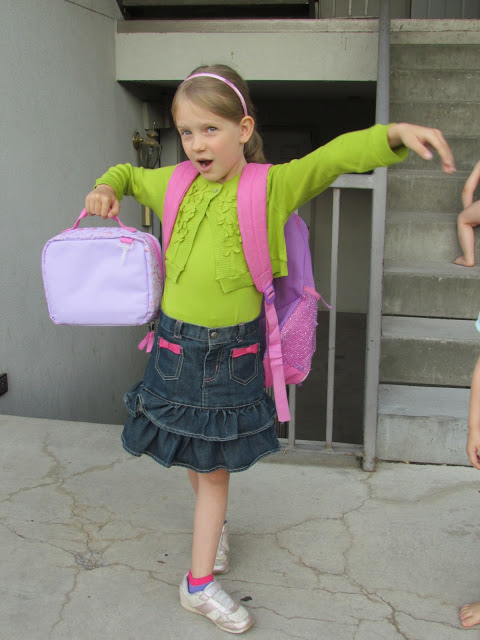
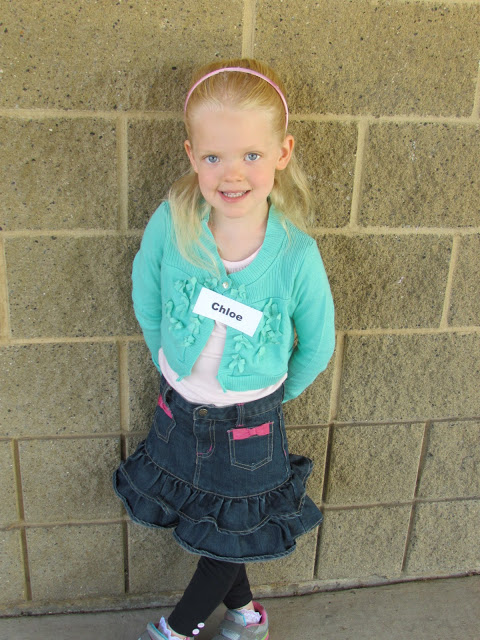
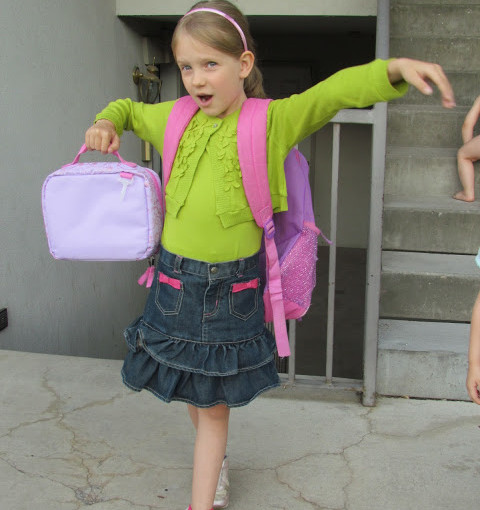
    Raw, Unedited Photo. 
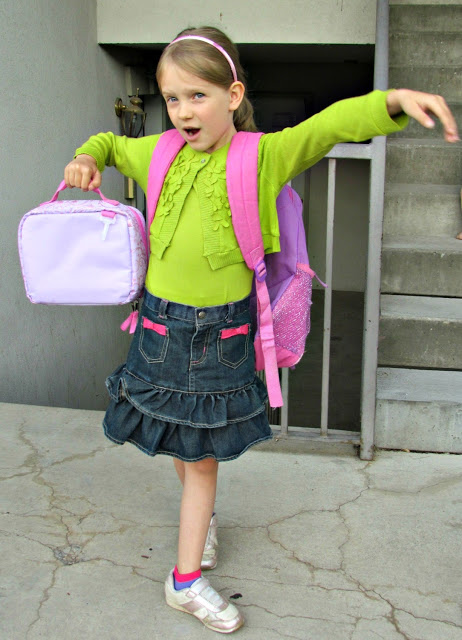
    A simple Auto-Adjust and Crop take out any unwanted visuals (like naked babies climbing stairs) and give you a more vibrant color.  From here you can play with the color brightness, RGB Levels and more but I’m usually pretty happy with the auto-adjusts setting. 
     
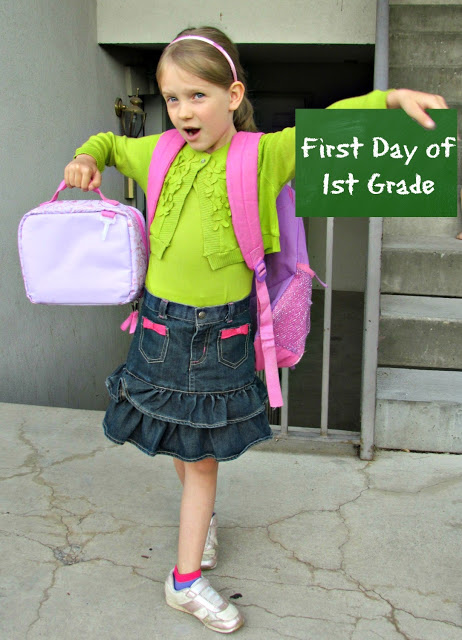
    For the First Day School pictures, I like to browse around PicMonkey’s School U theme. I grabbed a chalkboard shape it overlay and played with the color until I was satisfied. To make it look more natural after adding the overlay, in the little edit box that pops up with it, there is an eraser button. Using that I very carefully erased the part of the chalkboard covering her thumb. Voila! An instant home made chalkboard that needs no space in your home.
     
    To finish up, I used the Eraser Dust text to write our First Day Of… on the chalkboard. 


    Let’s do it again, but this time I’ll show you inside the super simple editor. 
     
     
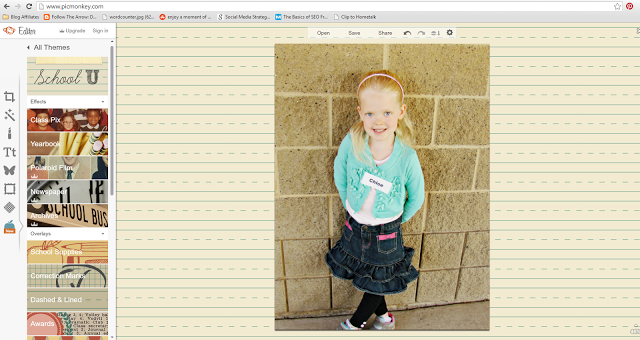
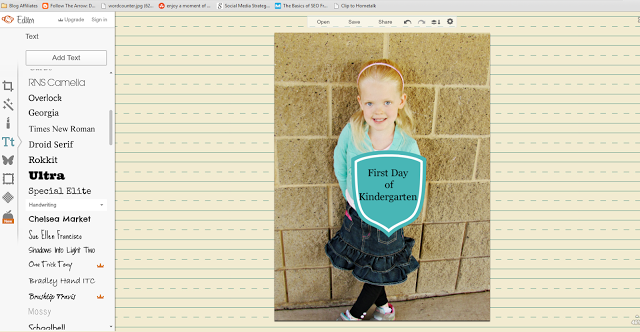
    Upload your photo into PicMonkey’s photo editor. On the very to left is an icon with 3 lines and dots. This has your general editing tools – crop, rotate, contrast, etc. Click that to find the auto adjust and cropping tools.
     
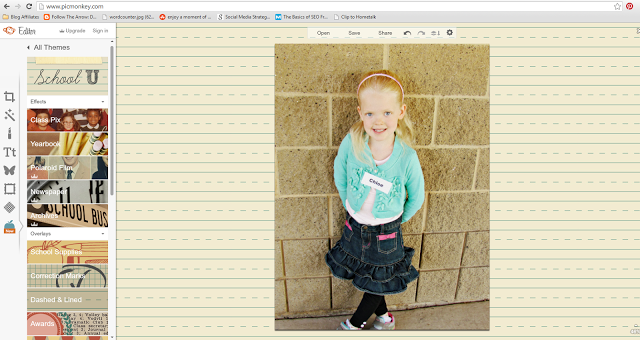
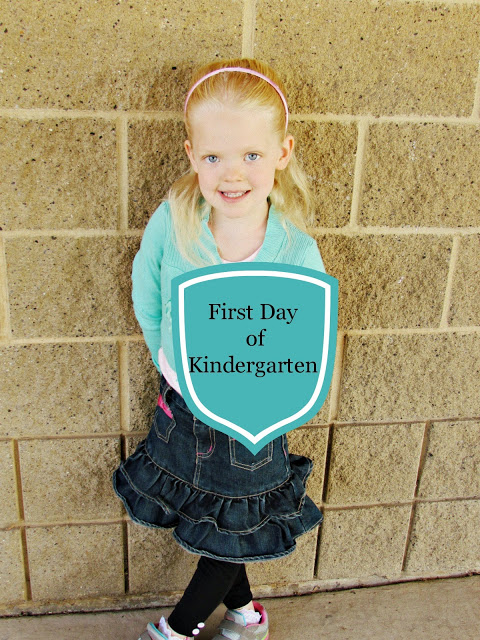
    For this one, I chose to use an effect on top of the color adjustment. At the bottom left you’ll see an apple. This has the different themes. Once in there choose School U. For Princess C I added the yearbook effect which made the brick behind her a little less harsh and put a slight yellow tint to it.
     
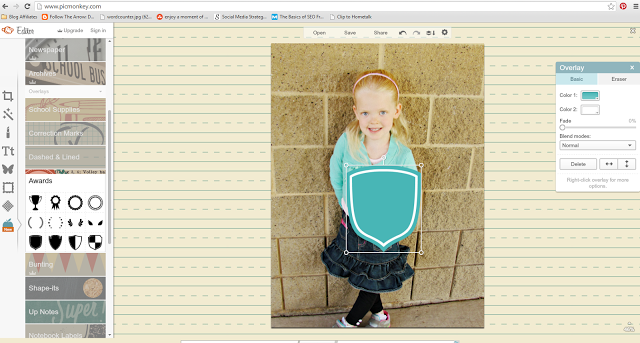
    Instead of a chalkboard overlay, I thought Princess C had the perfect pose to add a shield.  Black was a bit hard though, so on the right is the item edit box. Here you can play around with the colors of different items you add to your photo. You can choose colors straight from your photos too!
     
    Finally, add your First Day of __ Grade and Export to your computer. 
     
     
    I hope this little tutorial helps some of you. Picmonkey has a FREE version, but for only $7.99/month ($3.99/month if you pay yearly) I find the Royale version to fit all my photo editing needs. I use it on an almost daily basis. 
     
    If you have any questions on how to use Picmonkey, I’m more than happy to help you out! Just shoot me an email, or leave a comment.
  • Family Photo Shoot

    Family Photo Shoot

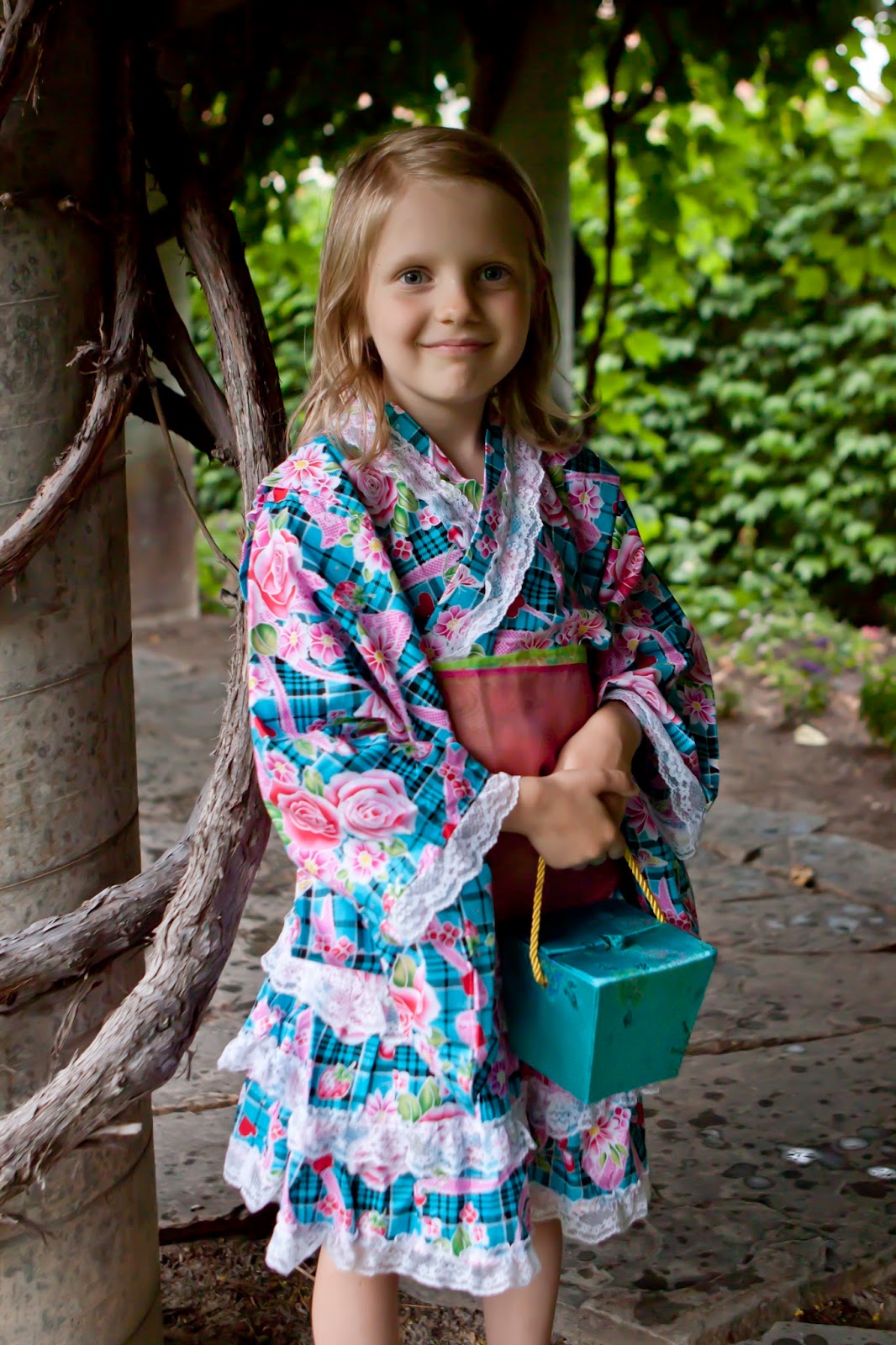
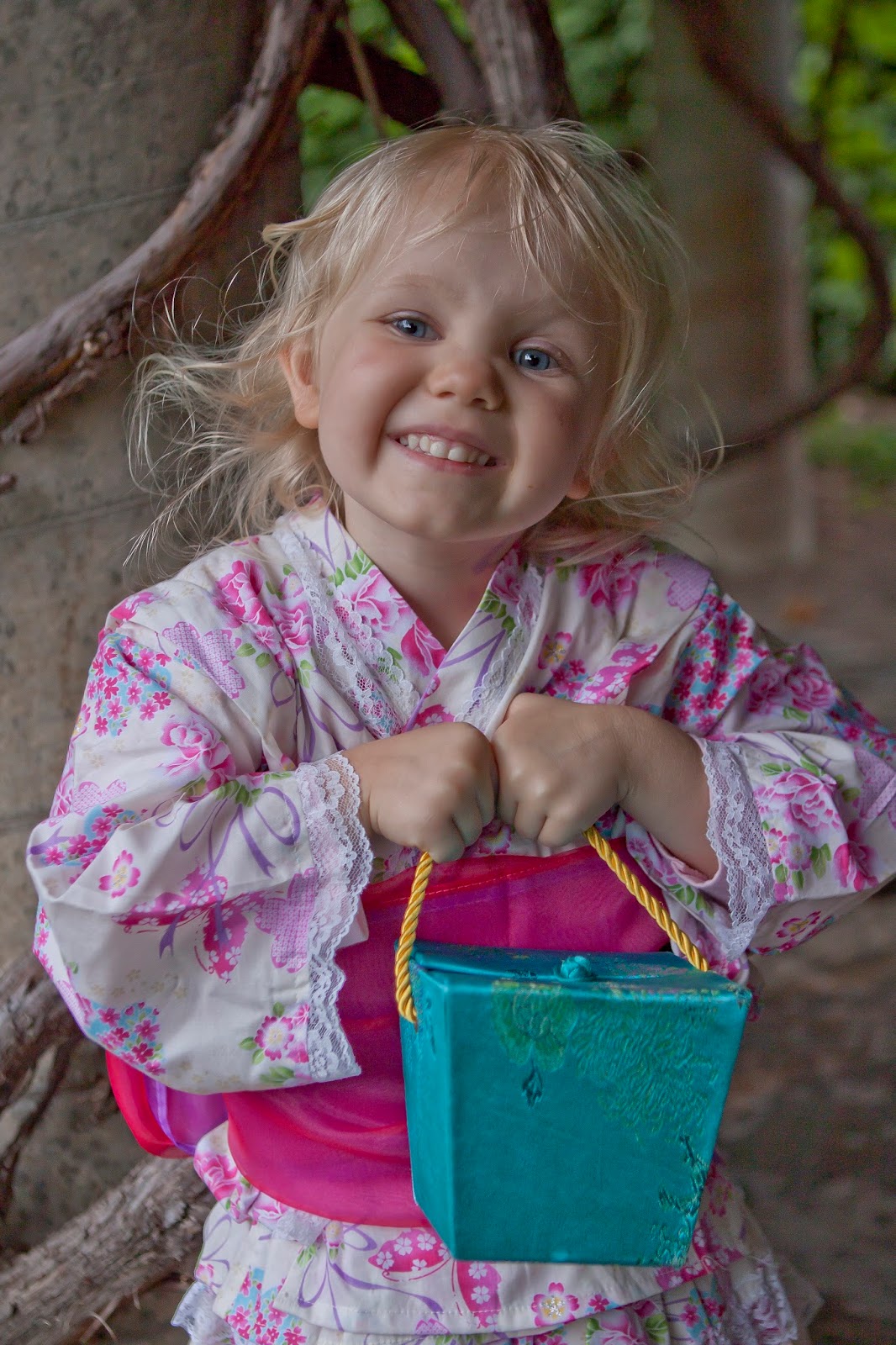
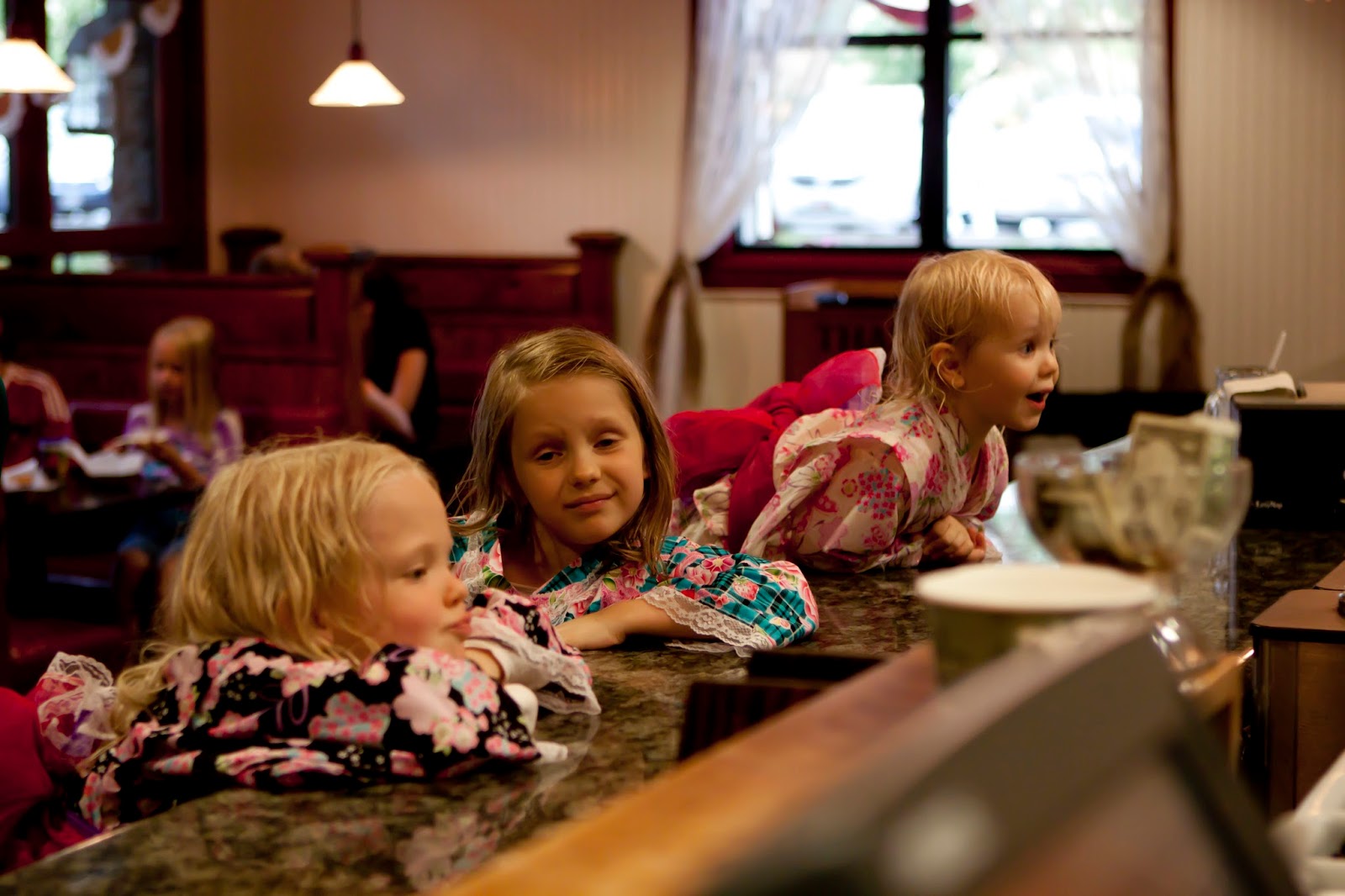
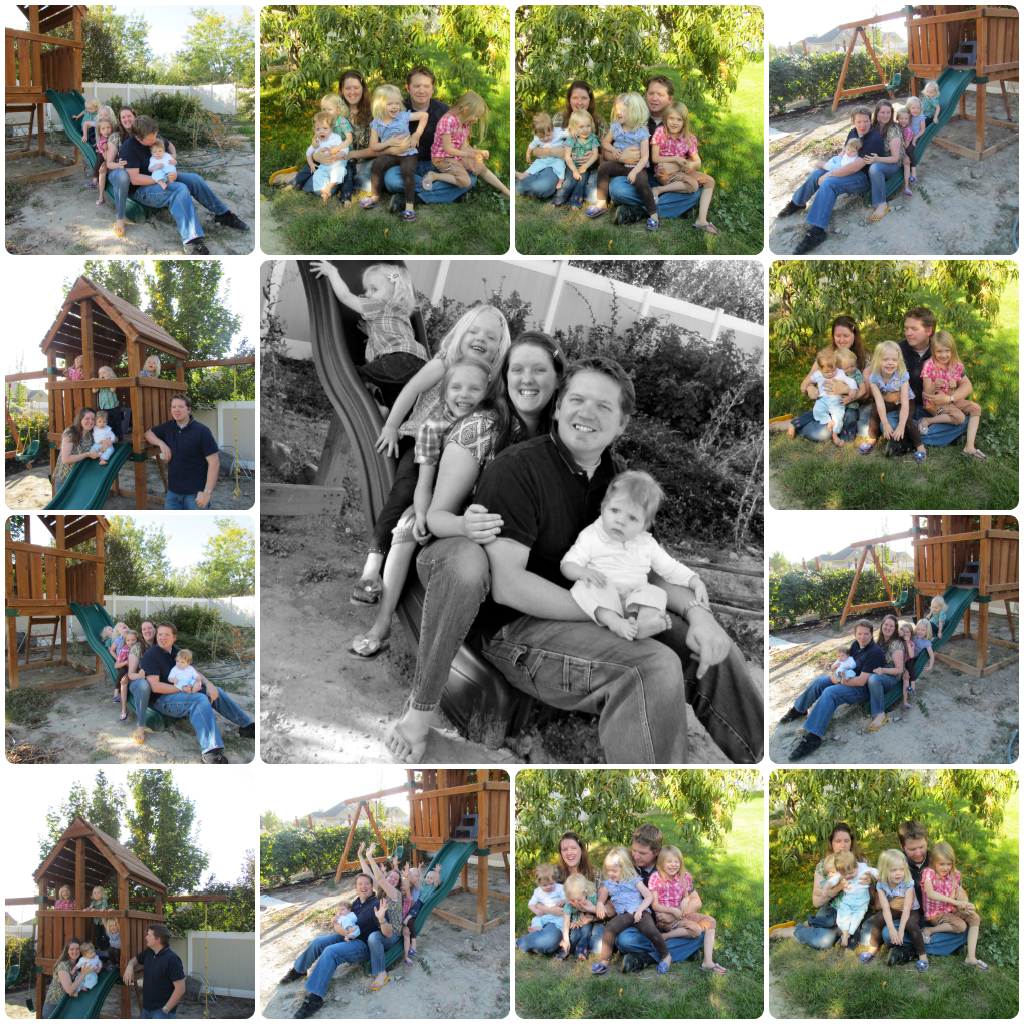
    So about a month back, before we moved, but while in the process of changing careers, I asked an old friend from high school to take our family pictures. I was extremely pleased with what we got.  Especially since after driving 2 hours for this shoot, I realized we had completely forgotten the clothes I wanted us to wear. Thankfully Mark’s parents had recently given us some Japanese dresses for the kids and they were in the back of the van.  I hope you enjoy a little glimpse into our family life.

    By far the best family picture here! All the girls were yelling “EW”
    Gorgeous Princess V. 
    Princess C just slays me with this smile! I’ve got another one of her but hiding a little more behind the fan as my facebook profile picture.

    Perhaps you can understand my days just by this one photo alone. Princess R.
    Sisters. Sisters. There could never be 3 better sisters. 
    and then there was Prince L. My handsome and cuddly buddy.

    Father and Son. Let the good times roll.
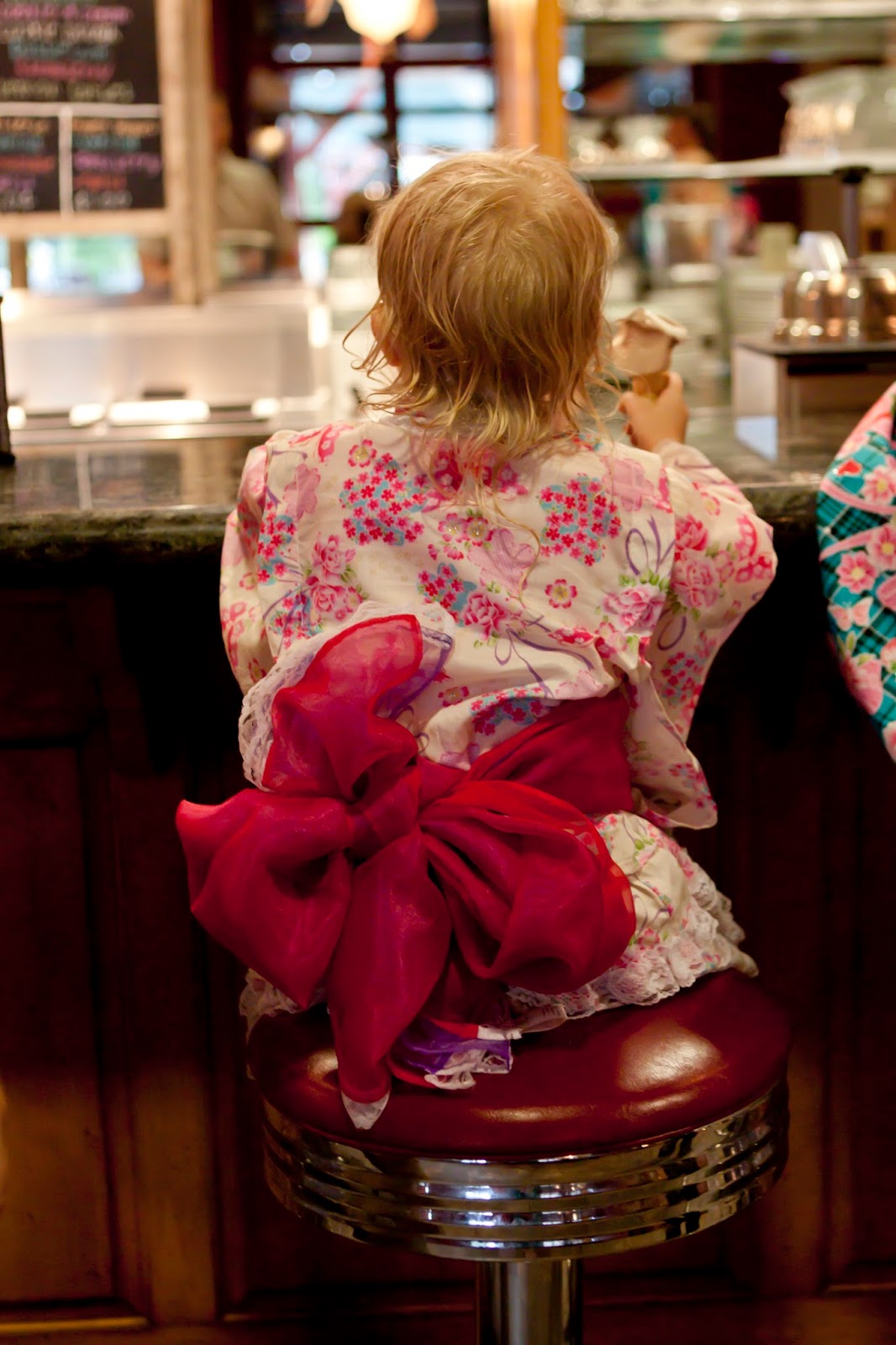
    We ended the shoot at a little ice cream parlor. If you can’t tell by the hair, we got caught in a torrential downpour at one point. 

    Come Back Soon!
  • Sale at Blurb – Black Friday to Cyber Monday

    Sale at Blurb – Black Friday to Cyber Monday

    It’s that time! Black Friday. Are you out shopping or are you still curled up in bed recovering from turkey, potatoes and pie?  Either way, take a moment to check out Blurb, and save your memories from this year in a beautiful book.

    Blurb is offering 25% your total Blurb purchase.
    Use coupon code HOLIDAYTHANKS
    Just look at all these cool things you could make.

    This sale only lasts through 11:59 pm, local time, on Monday 11/26.  Only one coupon per user. Cannot be used with any other offers, or on previous orders.

    *This post contains affiliate links.

  • Holiday Cards with Modern Greetings {Review + Free Photo Book}

    Holiday Cards with Modern Greetings {Review + Free Photo Book}

    Is it too early to send out Christmas Cards?  Not if I call them Holiday Cards!!!

    In the past Mark and I are usually late getting our Christmas cards/letter out, or we just all together skip it. There is so much that seems to go on between Thanksgiving and Christmas, that the cards usually get put on the backburner here.

    Not this year!

    We took our family photo in early October (like the 1st weekend of October!). Let me tell you, getting a good picture of all of us was extremely difficult…..

    Thanks to Modern Greetings, I now have holiday cards in hand, with envelopes ready to send out!  I really enjoyed making our cards this year.  Modern Greetings had hundreds of designs to choose from.
    What I loved the most though, was that after choosing a design, we could then edit, add to, take away, change fonts and colors to really make it our own.

    A few Pluses for Modern Greetings

    • Nice web design. Easy to navigate to create the perfect card
    • Many options to choose from.
    • Reasonably priced
    • Will address and mail your cards for you!!!

    What I didn’t like

    • I couldn’t use some of our pictures in certain designs because of low resolution. Not exactly their fault, but I’m no techy. Having a tutorial to teach someone like me how to make it work, would be great! Having an FAQ or some tutorials for other issues people may encounter would add great value!

    Modern Greetings offers more than just Holiday Cards too!  There’s announcements, stationary, invitations, and photo books!  As a special to my readers, Modern Greetings is offering you a Free Photo Book!

    How to get your Free Photo Book
    Go to This Page, and enter your email.
    Modern Greetings will email you instructions to redeem your photo book
     
    *I received products at a discount to assist in this review. All opinions are 100% my own honest feelings.