Tag: technology

  • Kidloland Offers Entertaining App to Engage and Teach Kids

    Kidloland Offers Entertaining App to Engage and Teach Kids

    I received the Kidloland App download at no charge. All opinions are 100% my own thoughts.

    I’m going to get real here. The last few months I have not been the kind of Mom I really want to be. Working and going to school, and going through a pregnancy that has been more physically draining than my previous four has left me well .. drained. 
    kidloland

    My friend told me about YouTube Kids, and how she lets her girls watch shows on there without worrying about the content they’re receiving. So I downloaded and loved it! At least, I did until I found I was using it to entertain for far too long, with not as much education value going on. Something needed to change. 

    Then Kidloland appeared. OK, I was skeptic, mostly of myself. Would another app make me feel any less guilty for the lack of time I am spending with my only child during the day? Probably not. It would at least be more educational directed during the busiest part of my day, and times where I truly don’t feel good. 
    kidloland2

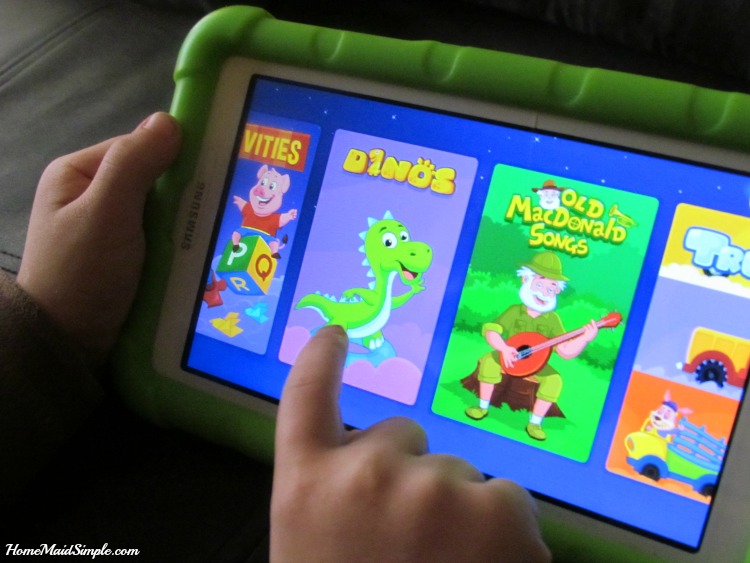
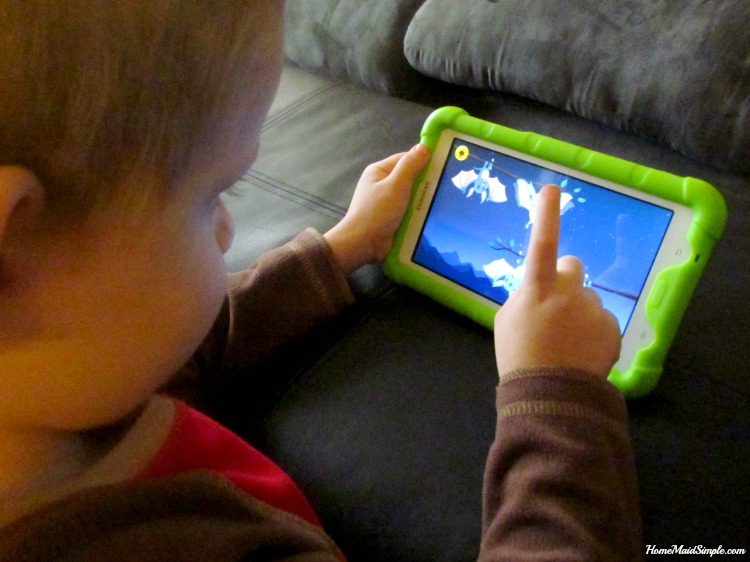
    Kidloland has seriously so much going on in it, that after a month I don’t think we’ve even touched half of the fun inside the app. With over 1000 Nursery Rhymes, Songs, Stories, Activities and Games every day offers something new to discover. The nursery rhymes are my favorites while Lincoln likes to hang out with the Dinosaurs and Trucks listening to songs and games featuring his interests.
    kidloland3

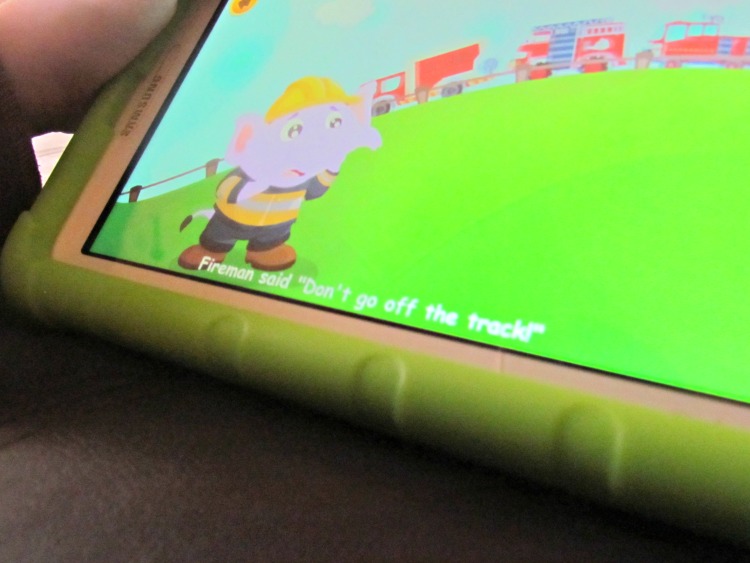
    While Lincoln hasn’t learned to read yet, he is learning the alphabet and has started associating that letters, put together, make words. Words that he likes to pretend he knows. The running words on the bottom of the screen during each song helps enhance his learning, even if he doesn’t realize it. Along with that, he can actually interact with the app. Touching different items during the songs cause them to do fun things or change colors. 
     

  • How I Protect my Phone

    How I Protect my Phone

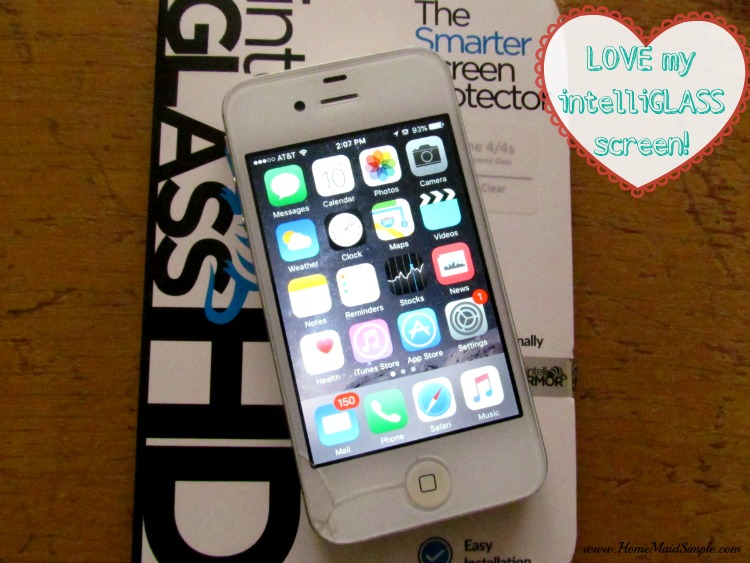
    I received intelliGLASS screen protector for review. All opinions are 100% honest and my own. 

    My kids play on my phone ALL the time! I’ve tried taking off all the games and even Netflix, but they still ask to play on it especially when we’re stuck waiting at places like the dentist, or when I have a lot of work to get done, and they just want to be near me. So how do I protect my phone from damage?

    Protect your phone with intelliGLASS

    My phone has suffered through falls in toilets, sticky hands, spilled juice, and more in the hands of my children. So wouldn’t you know it, when accidentally drop it at the bus stop one morning, it cracks the corner fairly decently. My last phone did not make it through a jump in the lake when one child got too far from the shore, so I’ve been trying so hard to take care of it this time around. 

    Protect your phone from cracks with intelliGLASS screen protector

    I’ve avoided cases for it because I break those too. Frequently. And they tend to be too bulky for me to hold or stick in my pockets. I enjoy the slim design of my phone but knew I needed something to protect it. I found intelliGLASS and crossed my fingers it was the solution. SO SO SO happy you guys!

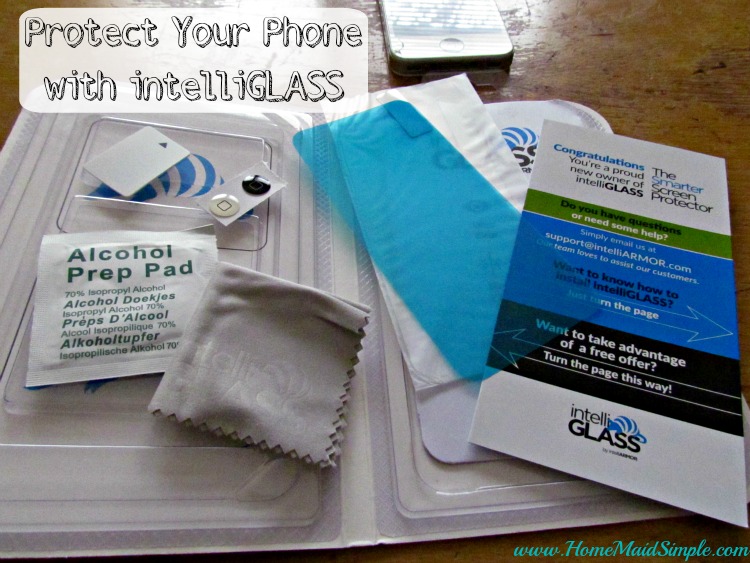
    My biggest concern when installing, was that it wouldn’t bond because of the cracks going on in the corner. It wasn’t a problem at all! The installation is a breeze, and the package comes with everything you need for installation – the new screen protector, an alcohol wipe, a microfiber cloth, a dust film, and even a straight edge for smoothing out any bubbles. 

    I LOVE intelliGLASS

    Did I mention how much I LOVE my new intelliGLASS screen protector? I’ve tried picking the edge to see just how strong it’s attached, and to make sure my kids can’t peel it off when they play. It is on there, and good! Besides protecting my phone screen from future cracks, it has also been great from little dirty fingers. The screen is amazingly clear still, and the kids have been on and off it since I installed it. 

    Get 20% OFF your purchase of intelliGLASS from intelliARMOR

    code: INTELLI20

    How do you protect your phone?

    Ready to WIN a screen protector for your device? One winner will receive a protector of their choice. Enter on the Rafflecopter below.

    a Rafflecopter giveaway

  • How to Minimize Stress with Paperless Coupons

    How to Minimize Stress with Paperless Coupons

    This shop has been compensated by #CollectiveBias Inc. and its advertiser, #WalgreensPaperless. All opinions are mine alone. 
    #WalgreensPaperless #shop #cbias

    There are so many things in life that can cause us stress. Finances, kids, employment, family, school – you name it and it has probably added stress to your life in one way or another. For me, clipping coupons was just packed full of stress, so I avoided it. Honestly the idea of buying a bunch of papers to get coupons that I then have to match up to store ads to find the best price at the best store – it’s stressful all around! I just don’t need that kind of stress in my life. I like the idea of saving money, just not the time it takes. So I was pretty stoked when someone told me Walgreens has paperless coupons.

    What is a paperless coupon?
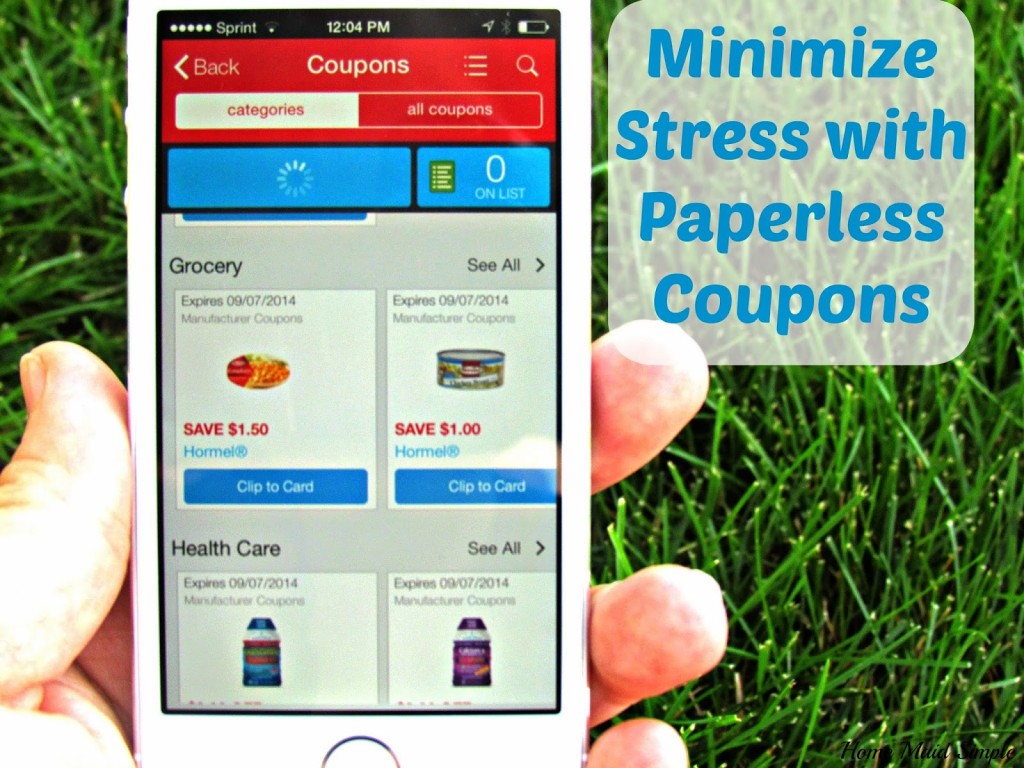
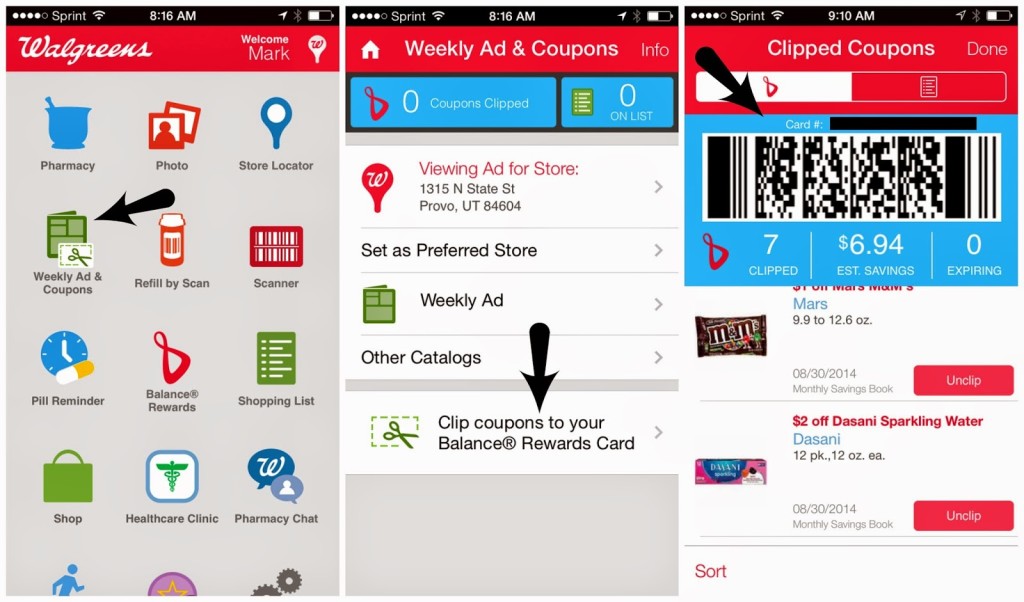
    Paperless coupons are just that – paperless! All you need is a smart phone and a Balance Rewards Card at Walgreens. You will download the free Walgreens app to your phone, and then sync it to your rewards card. Once you are logged in with your rewards card you can clip manufacturer ecoupons. When you clip them, they get loaded directly onto your Balance Rewards Card. Now the really cool part is when you go to the store. You can use your actual card, type in your phone number, OR the cashier can just scan your phone! Isn’t that just neat?

    #WalgreensPaperless #shop #cbias

    How do Paperless Coupons minimize stress?
    I know you’re wondering. It sounds fun, but does it really minimize stress? You bet it does! Let me tell you 3 ways it has minimized stress in my life.

    Money. Now this seems pretty obvious. Coupons save you money. When you save money, you stress over finances less. When you stress less over finances, there will be less stress in your marriage. I would venture to say the #1 cause of stress in a marriage. I know it usually is in ours. Especially now as we get ready to move 900 miles away. It’s crazy expensive to move, so we’ve got to find creative ways to cut our outgoing money down. Trying to clip coupons the old fashioned way, just rearranges where the stress is coming from. Paperless coupons minimize the stress completely! Not only does is help with the stress, but with paperless coupons you don’t have to buy a newspaper just to get the coupons. Saving you even more money.

    #WalgreensPaperless #shop #cbias

    Time. How much time do you spend clipping paper coupons each week? Now imagine that the whole process takes less than 5 minutes. Did you just sigh out loud? I sure did! When you’ve been given a week to move, and 2 of those days need to be spent actually driving to your new home, you really need every spare moment you can get. Spending the time clipping coupons is not what you want to do. Whether you’re moving like us or not – your time is valuable! Don’t waste it on trying to save every last penny, and instead go play hide and seek with the kids for a couple of hours, or in my current state – pack 5 more boxes.

    #WalgreensPaperless #shop #cbias

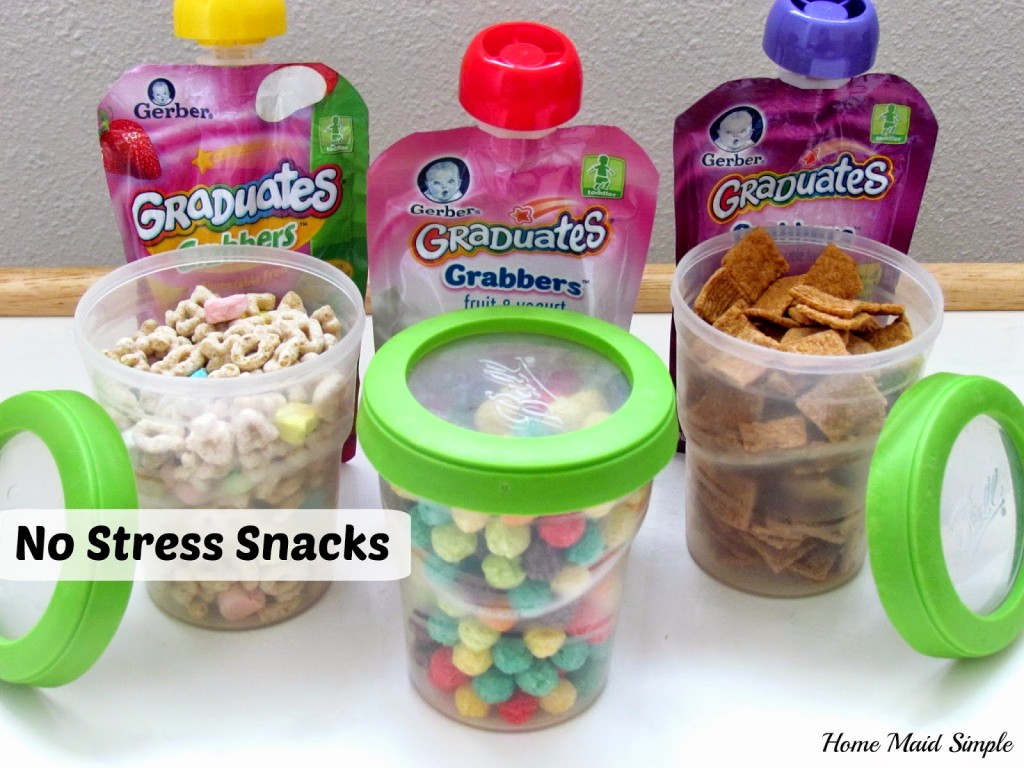
    Sanity. Yep, Paperless coupons have totally saved my sanity this week. My awesome kids were looking at a week of freeze dried strawberries and apple slices, because I didn’t think we could afford other snacks and the time it would take to get them at the right price. I found a great ecoupon for Gerber Graduates Grabbers, and General Mills cereals so my kids can now snack on a little more variety and not complain about the same thing over and over again. To help even more with my stress, I put the cereal in these handy to go containers.

    #WalgreensPaperless #shop #cbias

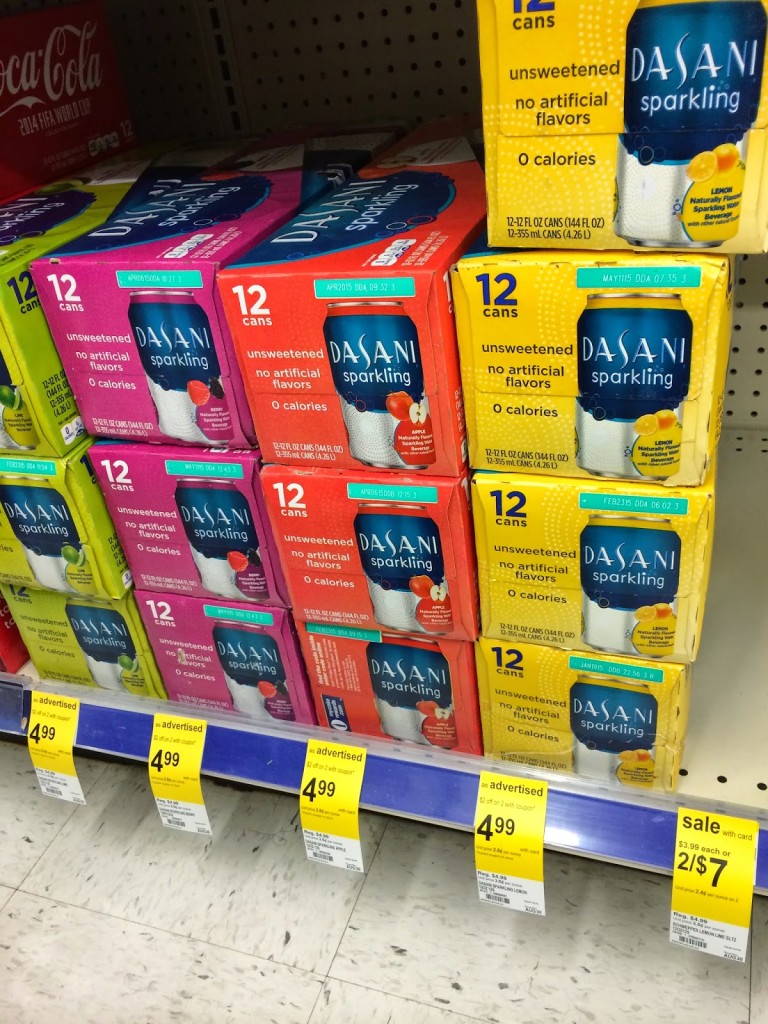
    Isn’t that great? Now instead of spending my time, money and sanity trying to save us money, I can do what needs to be done for our move, like you know staying up all night packing for the next 4 days. Thank goodness there was a coupon for Dasani Sparkling Water – it’s going to be my late night stay awake drink.

    #WalgreensPaperless #shop #cbias

    Do you clip coupons? 
  • Cheeseburgers with Kraft and Blippar #SayCheeseburger #shop

    Cheeseburgers with Kraft and Blippar #SayCheeseburger #shop

    I am a member of the Collective Bias®  Social Fabric® Community.  This shop has been compensated as part of a social shopper amplification for #CollectiveBias and its advertiser. #SayCheeseburger
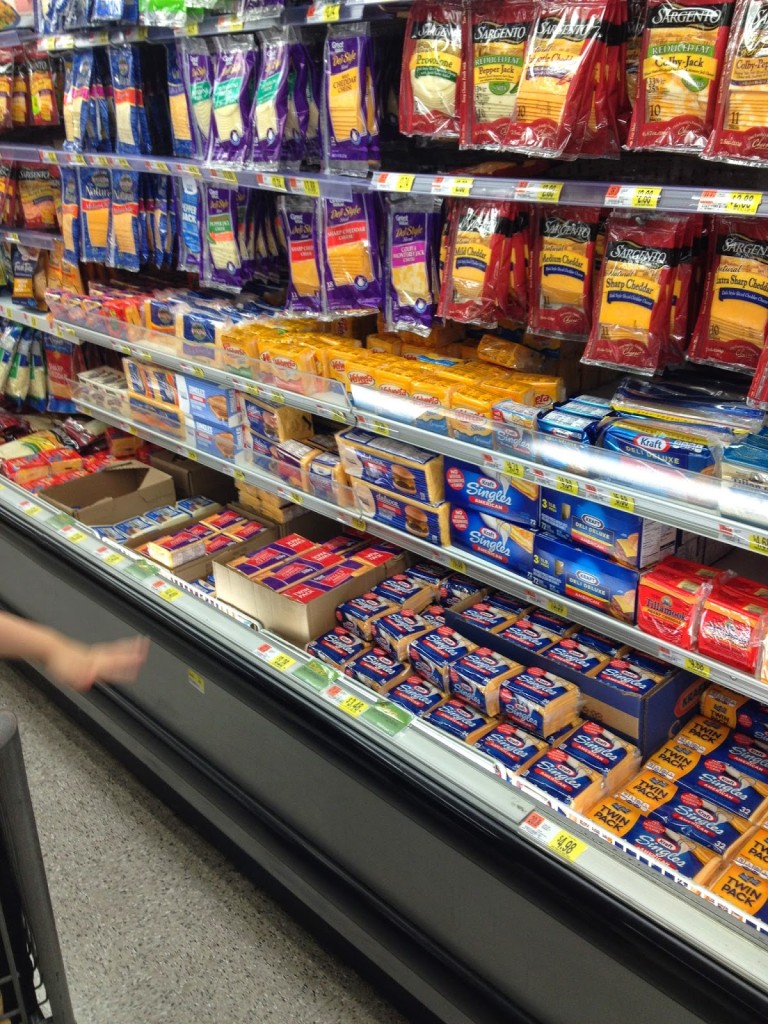
    Have you ever been wandering around Walmart, knowing you need groceries to fill your semi empty fridge, and knowing you should probably have a plan for dinner…but it was a crazy weekend, so you never actually did your meal planning?
    Yeah me too. Frequently it seems these days.
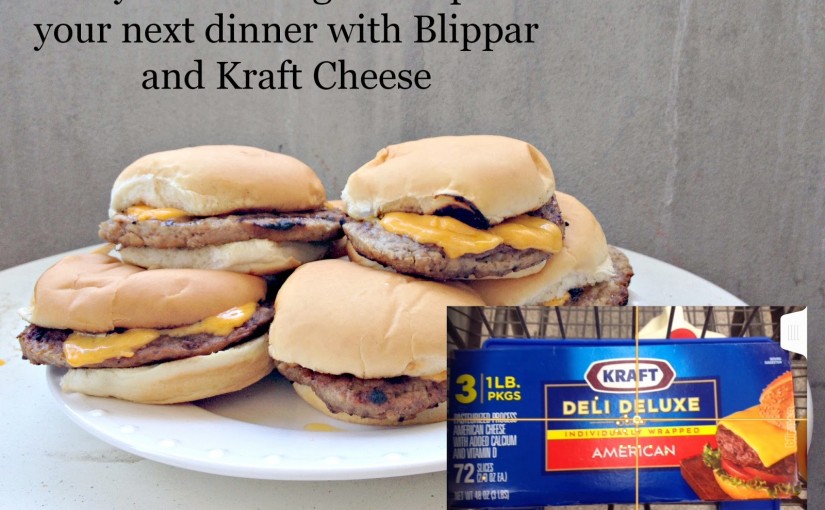
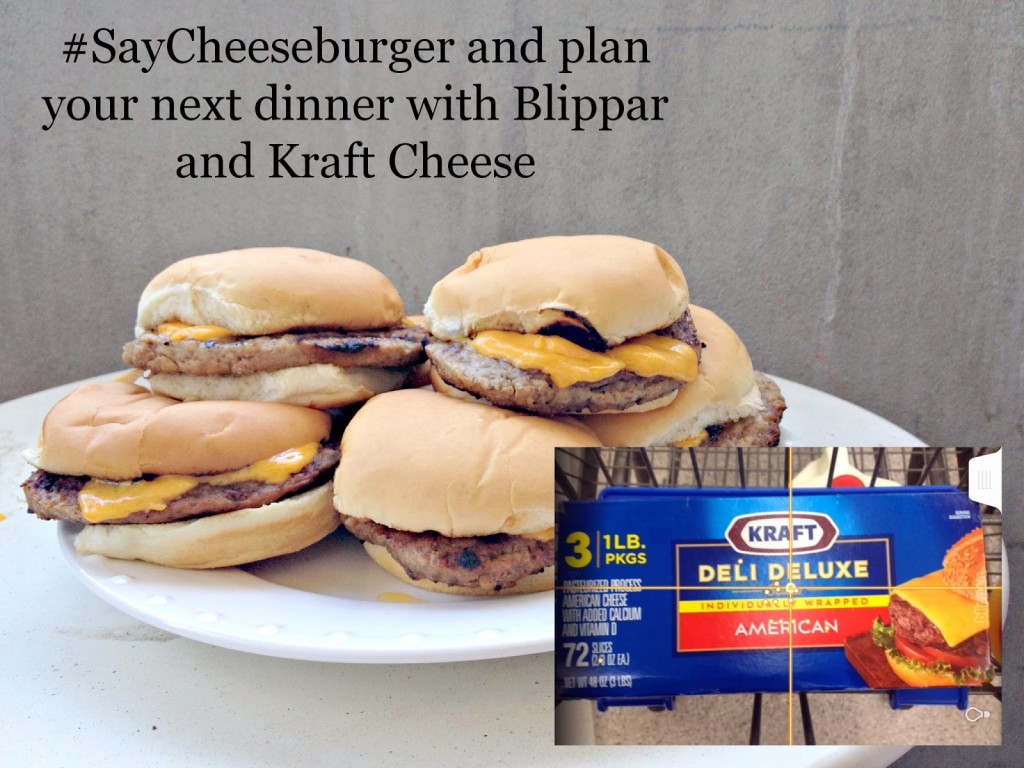
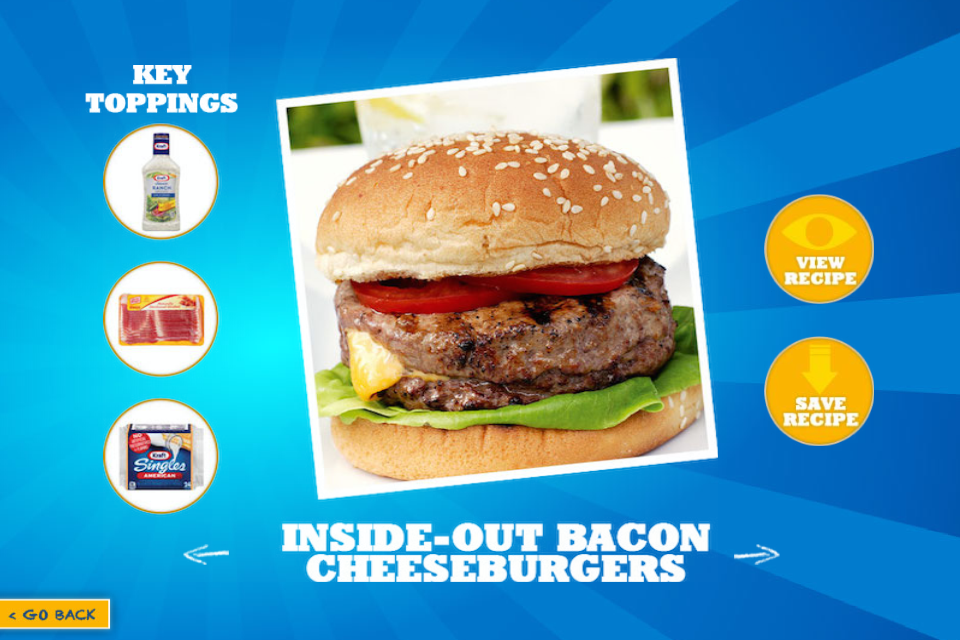
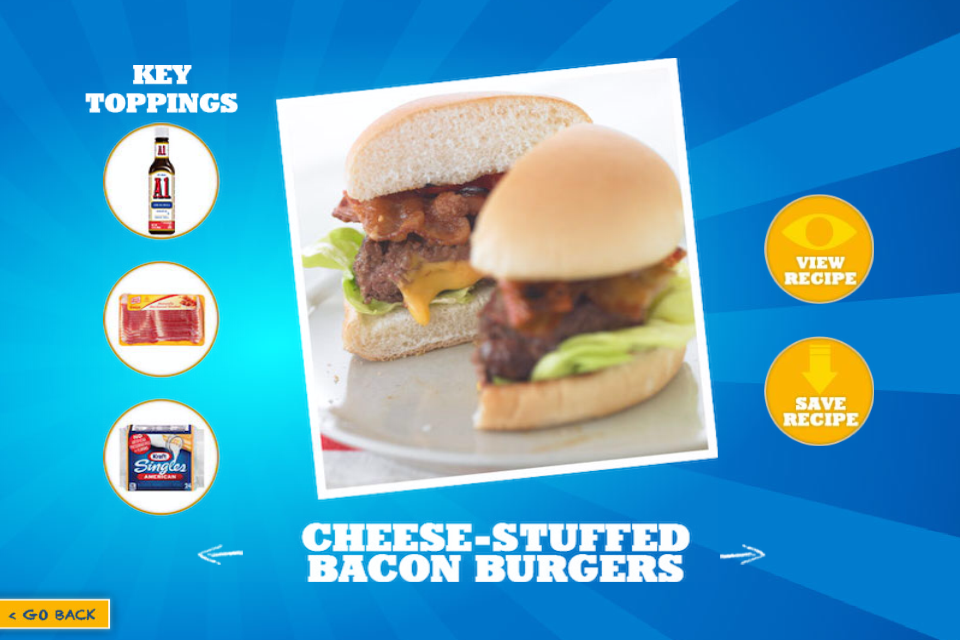
    Then I heard about the Blippar and Kraft Cheeseburger App. Problem solved! I just need to grab some Kraft Cheese, scan it using Blippar, and then view the many different recipes for Great American Bacon Cheeseburgers. A quick view at the key ingredients, and I could pick up everything I needed while still at the store, and then head home for a quick but delicious meal of cheeseburgers!
    Easy Peasy! Just Blip it and Grill it!

    Don’t those look amazing? I loved that I can get everything I need, from a simple scan with my phone over a package of cheese. Sounds too simple doesn’t it? Let me walk you through it. I’ll be honest, it did take me a little bit to figure out the app, but that’s possibly because I’m still learning how to use my smartphone.
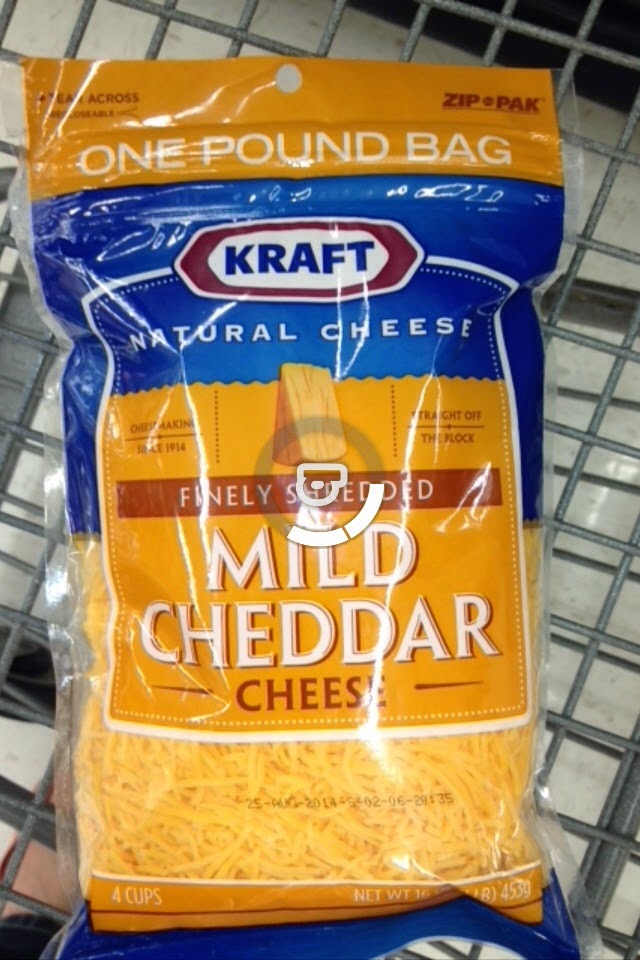
    So first you’ll want to download the Blippar app. It is a free download, and works with apple, android, blackberry or windows device. Once you’ve got the app, head out to Walmart and search for Kraft Cheese products.

    Now that you’ve found the cheese, pull out the Blippar app, and give it a scan. HINT: Make sure there are no big glares from the lights, it will recognize the cheese a bit faster.

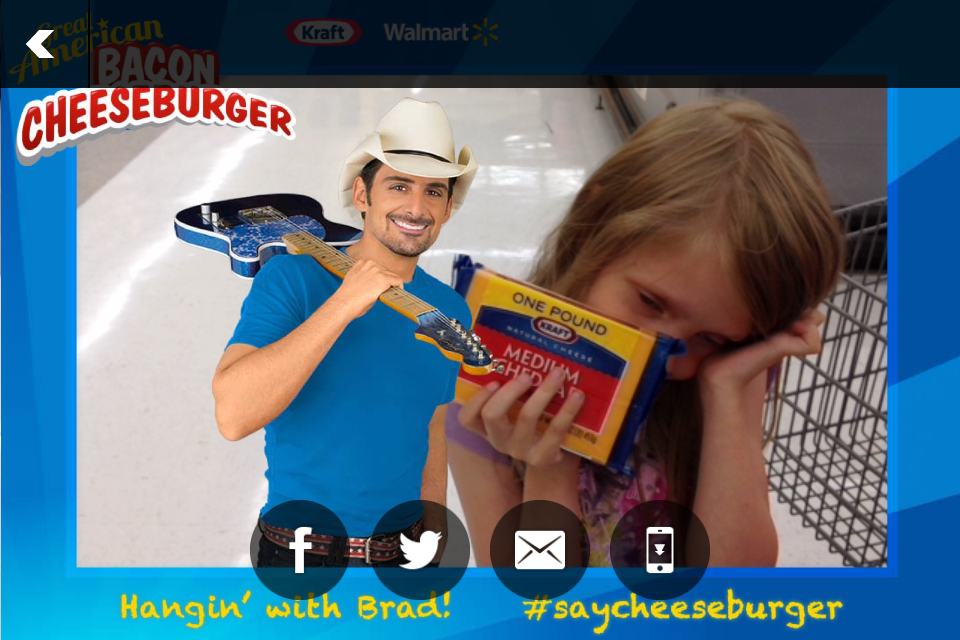
    Once it recognizes the cheese, the Kraft Cheeseburger App will load. Recipes ideas, a place to take a picture with Brad Paisley, and an area to claim some Paisley Points will pull up. Choose what you want to do, and use the arrows on each page to navigate between menus.  
    You did always want to take a picture with Brad right? I had Princess V hold some cheese while I took a picture, but didn’t tell her that Brad would be with her. Her response when I showed her the picture –
    “MOM! Who’s that? They weren’t there! How did they get in the picture?”
    The app makes it really easy to share you picture with Brad for all your friends to see as well. Come on, you know you want to! Don’t forget to claim your Paisley Points after purchasing the Kraft Cheese. You can win tickets to a Brad Paisley concert, signed merchandise, and more just by uploading your receipts to the app.
    What kind of Cheeseburger will you Blip this summer?
  • Kids Academy: Educational Apps for Kids

    Kids Academy: Educational Apps for Kids

    *This is a sponsored post on behalf of Kids Academy and Sverve*

    I was doing some relaxing the other day, when I came across the Iphone App 123 Tracing  from Kids Academy. Since I’ve been working on numbers with Princess R at home, I decided to give the free download a try.

    App Developers Continue to Help Teach Children Important Skills
    Kid’s Academy, one of the most successful developers of apps for kids has released what might be their biggest app yet. 123 Tracing is an excellent educational app designed for younger students. This cute game helps kids trace numbers and get in the habit of writing and forming these letters that they will use the rest of their lives.
    The free version of the 123 Tracing app is live and available to download via iTunes, Google Play and Amazon.
    Kid’s Academy is all about helping children learn verbal, writing and math skills in an easy and fun manner. Apps such as 123 Tracing and Bingo ABC have been top-50 educational apps in the App Store, and Kid’s Academy has also brought the well-known stories and nursery rhymes The Three Little Pigs and Five Little Monkeys to life with interactive apps. The simple interfaces of the apps allow children to take the reins and play on their own, but the sing-a-longs and other activities are perfect for parent or teacher engagement, as well. Research has shown that singing along with nursery rhymes has cognitive and physical benefits for children. Not only are children learning new words and the context in which to use them, but strengthening tongue and mouth muscles at an early age will help with pronunciation skills.
    About the Kid’s Academy Company
    Kids Academy is an early childhood education start-up specialized in development apps for major mobile markets: App Store, Google Play and Amazon. The rapidly growing company is bringing value through education for children aged 2 to 6 teaching kids numbers, upper- and lower- case letters, word-letter associations, phonics, and spelling, and brings them endless fun and excitement through play activities.  Founded in the end of 2011 with the first application released in July 2012, Kids Academy has six nice apps and recently reached 2 million downloads. The apps developed by Kids Academy received dozens of positive reviews and were top rated by Children’s Technology and Parent Reviews. Interactive ABC by Kids Academy was featured by The Guardian in mobile tech review.
    For more information visit
    Website    Facebook    Twitter 

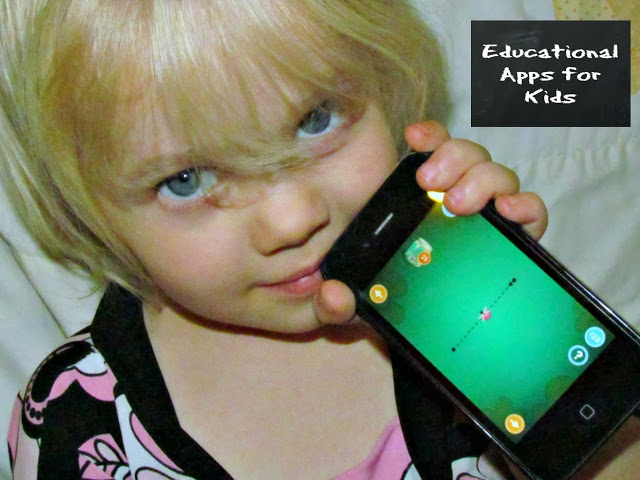
    As you can tell, Princess R is pretty enthralled with this one, and I may have lost access to my phone for a bit today while she traced her numbers.